 PixKit
 tools
Eight everyday photo and PDF utilities. Each one runs on your device, so your files stay yours.
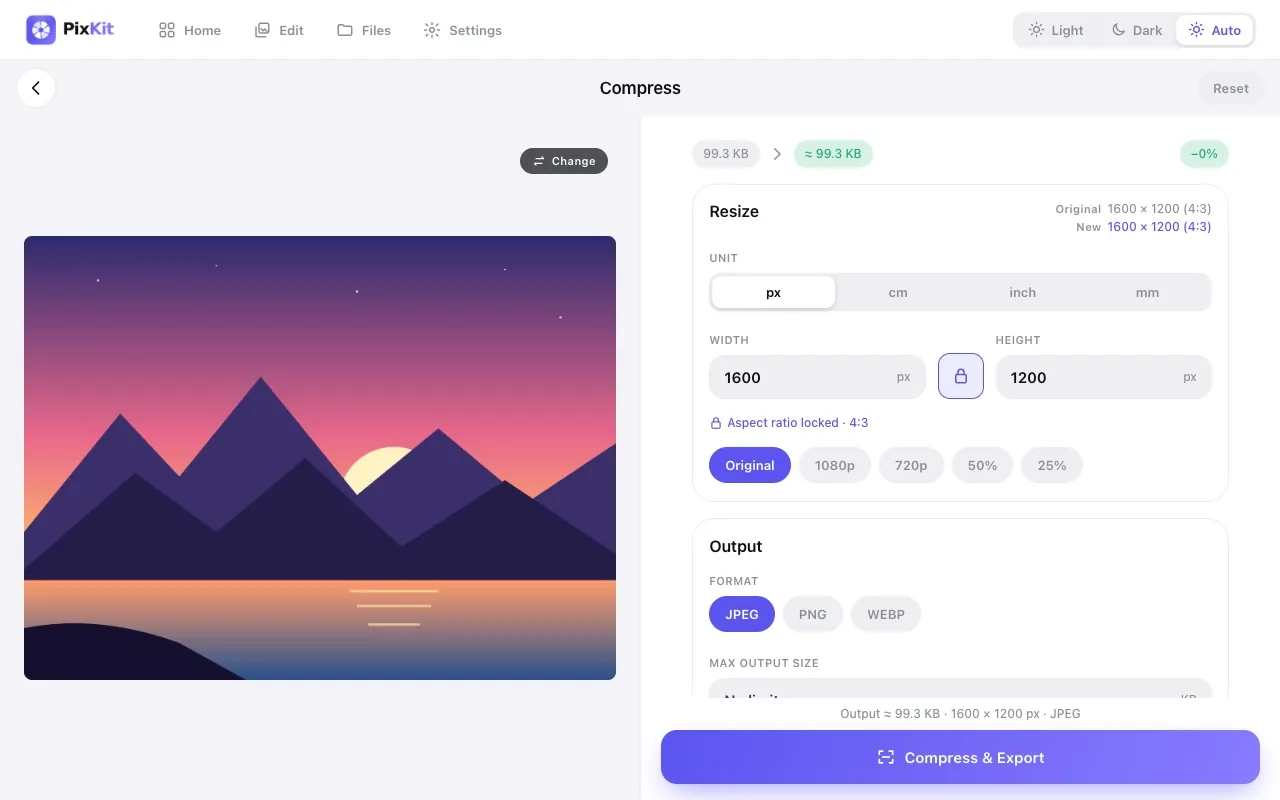
Compress ImageReduce the file size of any photo to a specific size — 100 KB, 200 KB, 1 MB — without uploading it anywhere.
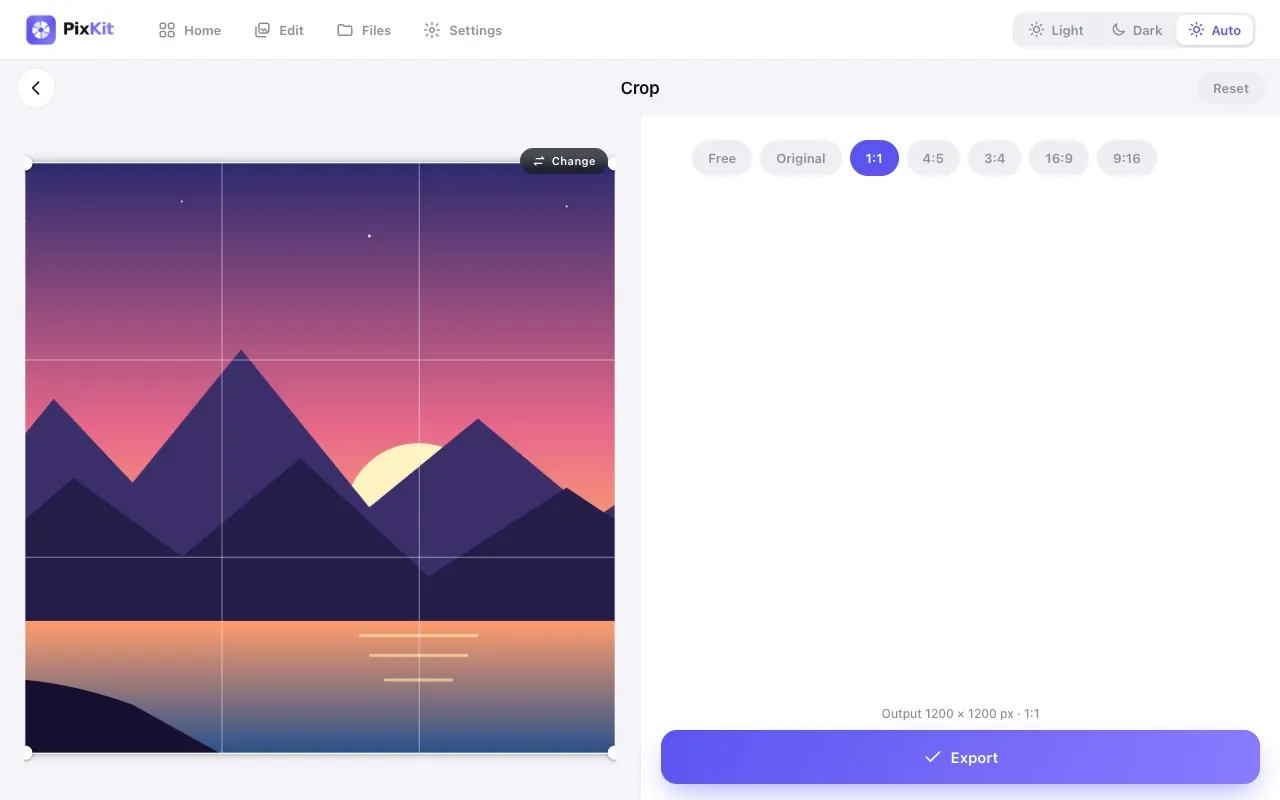
Crop ImageCut away the parts of a photo you do not need, or crop to an exact aspect ratio for profile pictures, thumbnails and social posts.
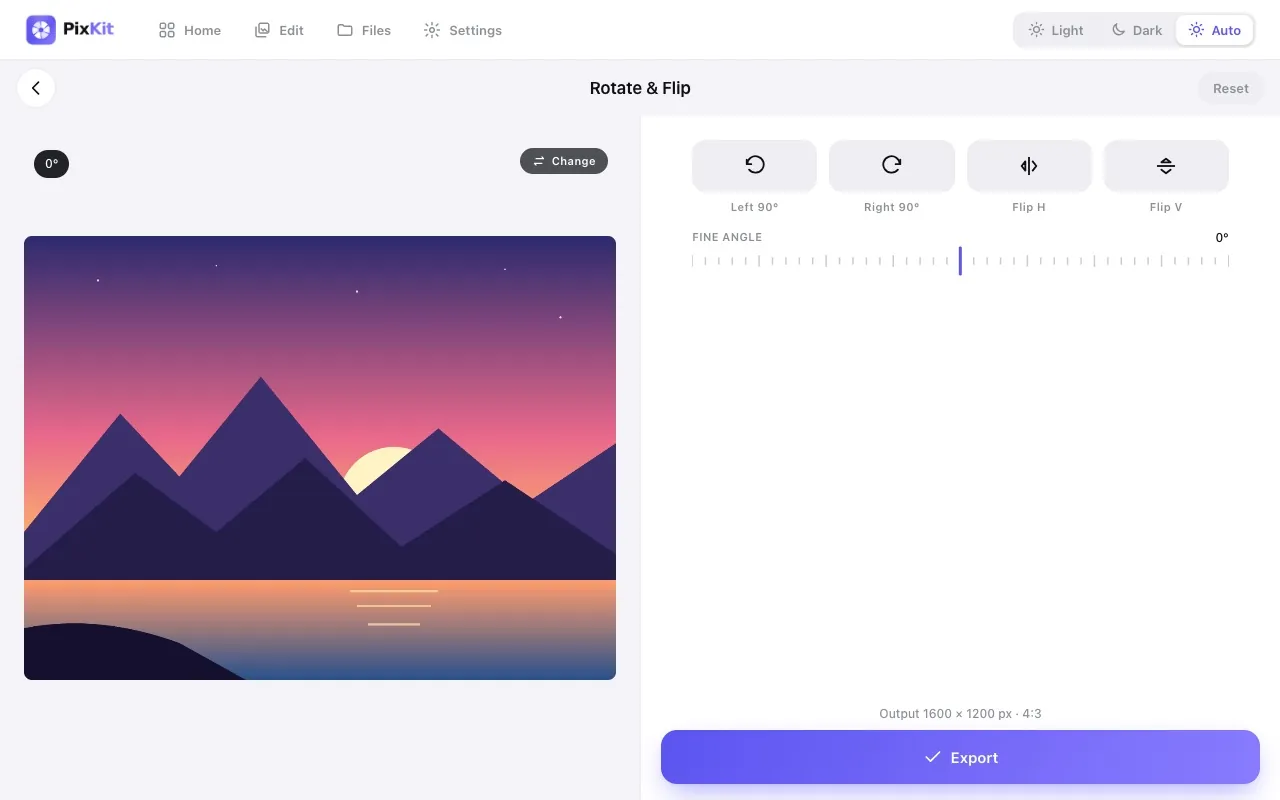
Rotate & Flip ImageFix sideways photos, mirror an image, or straighten a crooked horizon by a few degrees — without installing anything.
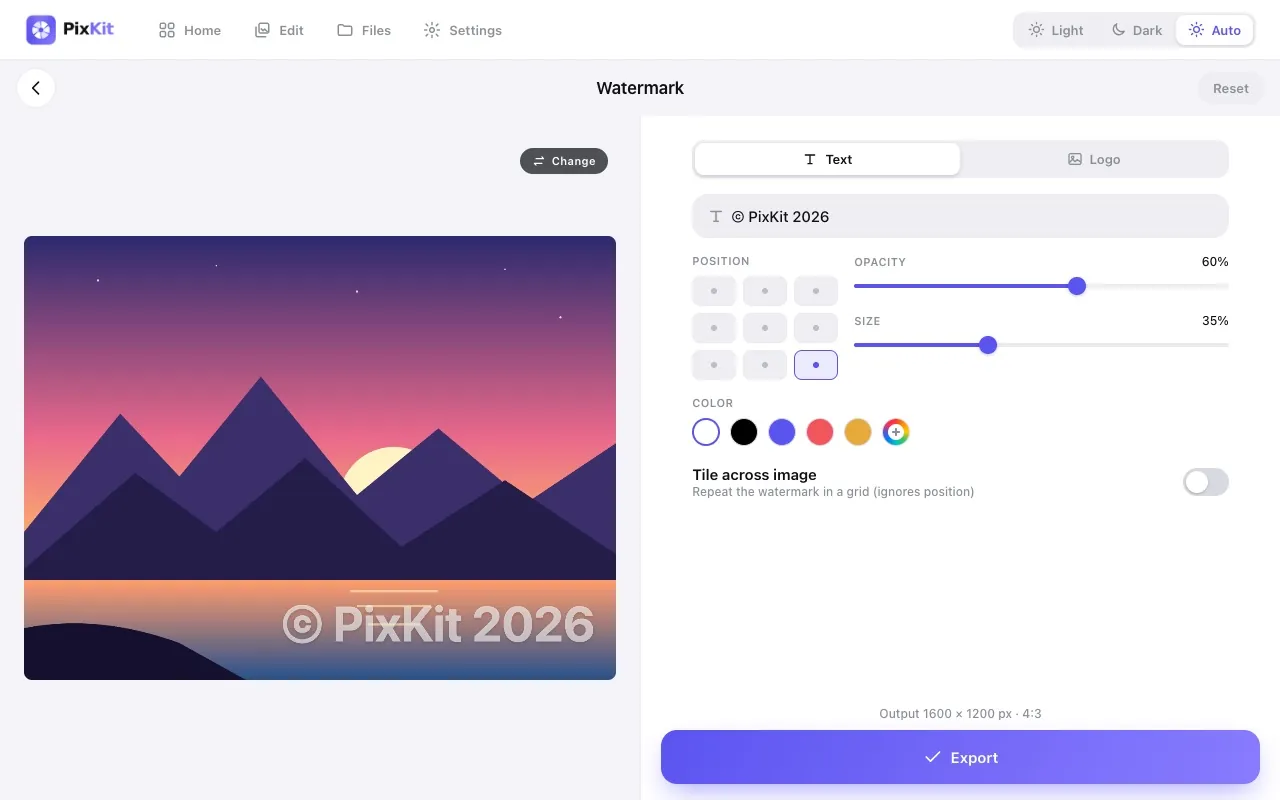
Add WatermarkStamp your name, brand or logo on photos to discourage unauthorised reuse and make sure you get credit.
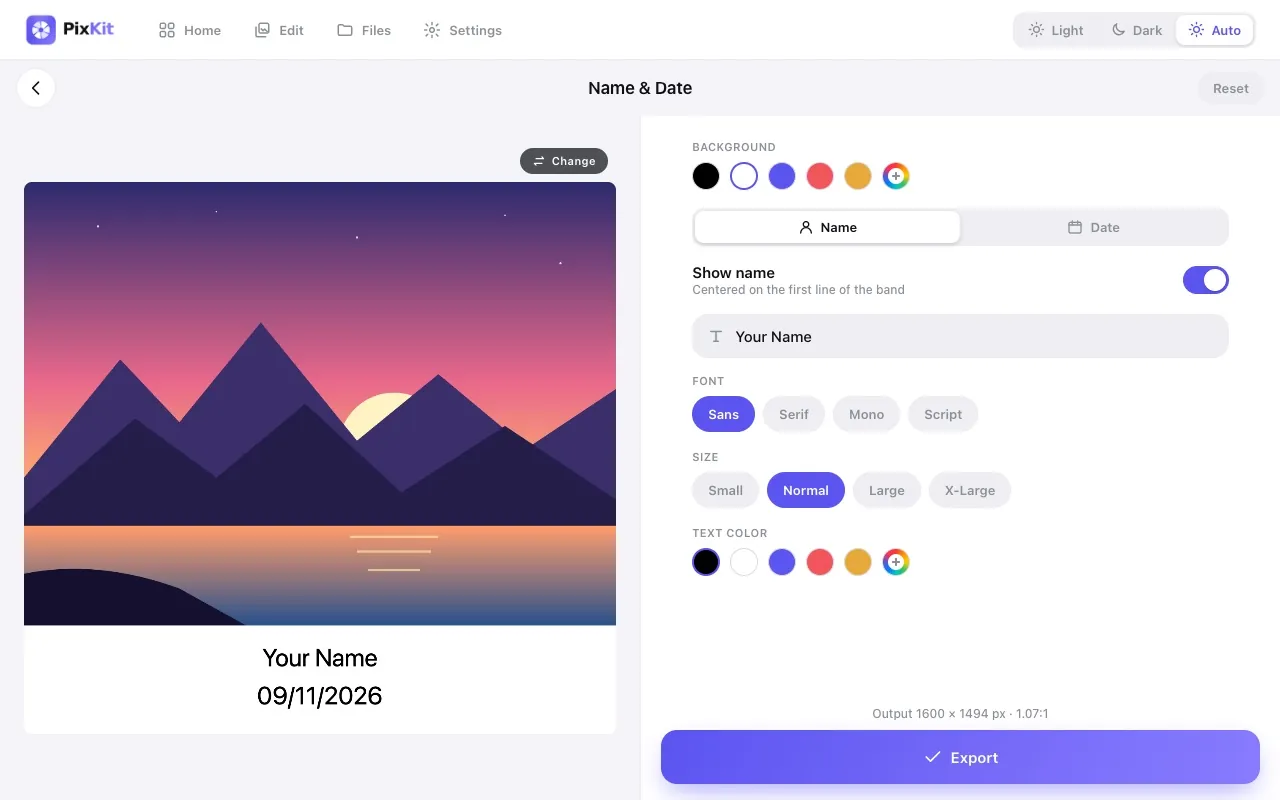
Add Name & DateAdd a clean caption strip with a name and date beneath a photo, ideal for documentation, attendance and ID-style submissions.
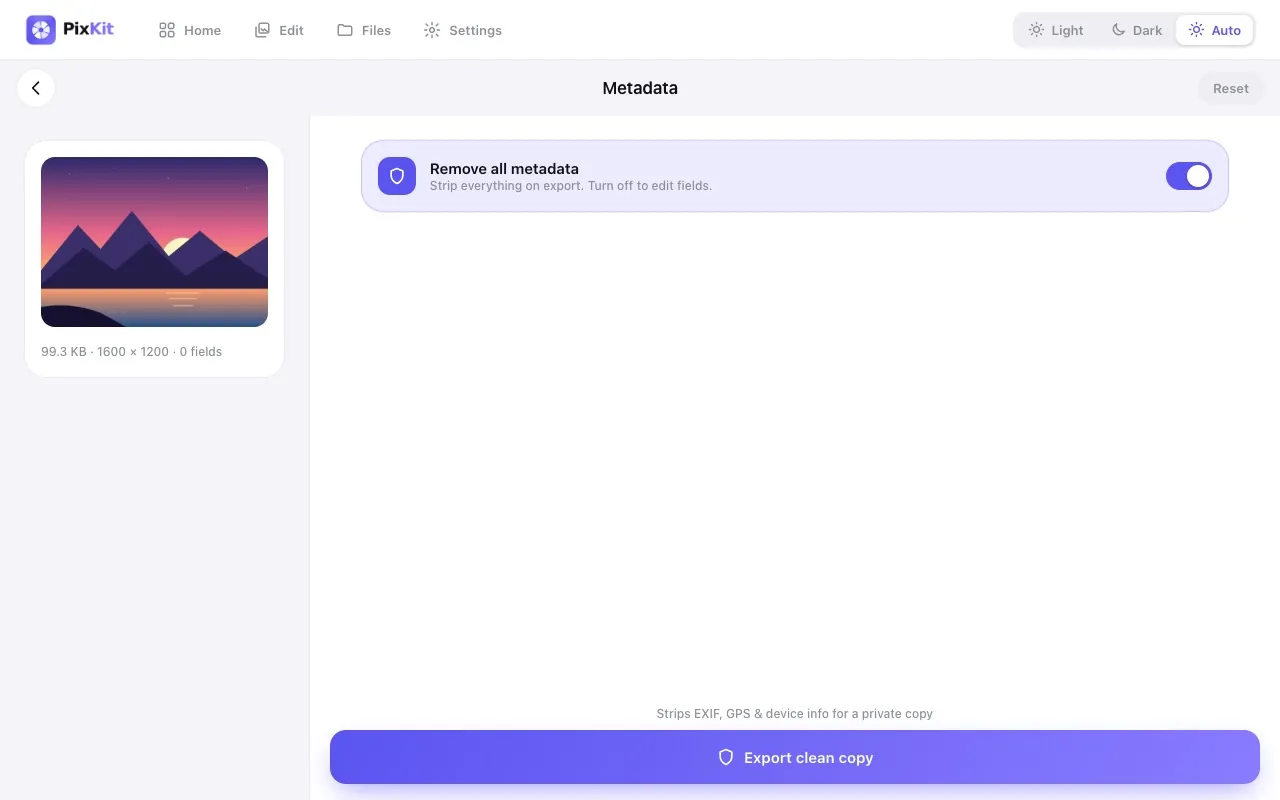
Image Metadata (EXIF) EditorPhotos quietly carry hidden details: the camera model, the date and time, and often the exact GPS location.
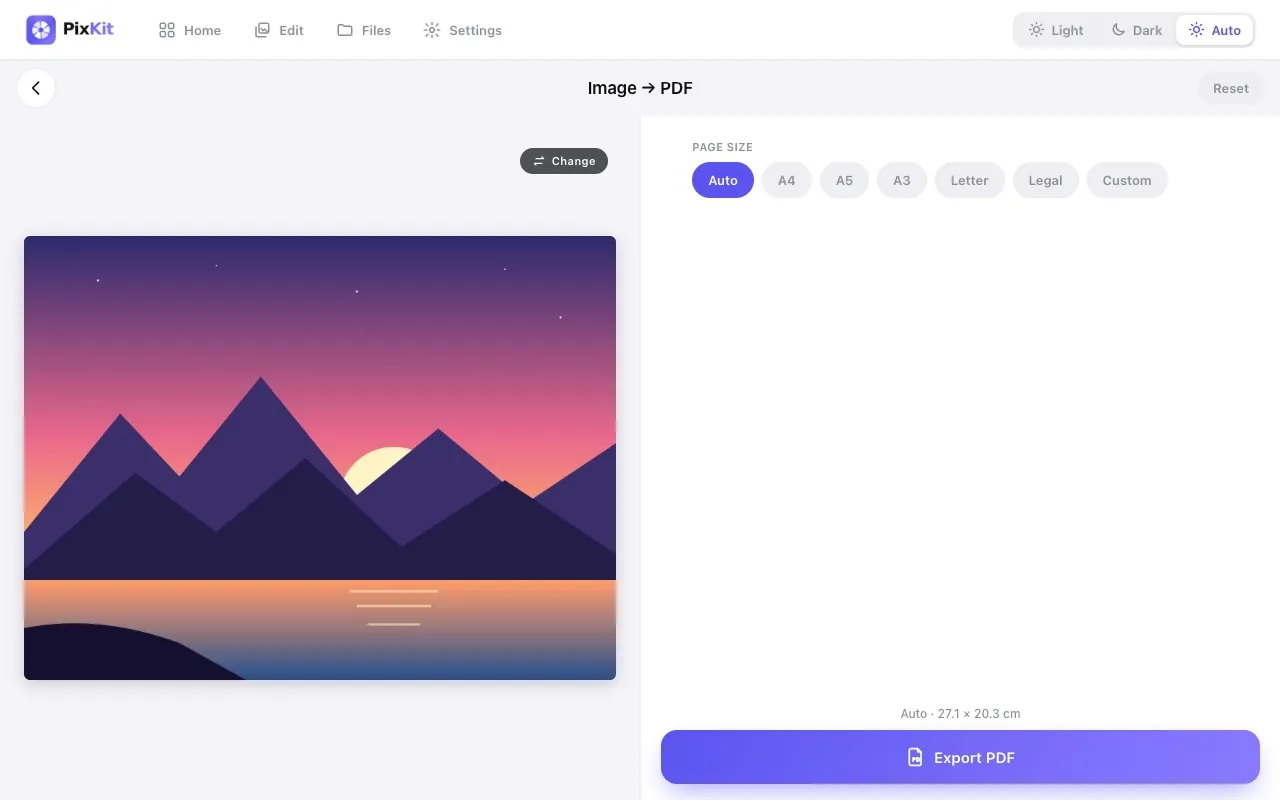
Image to PDFConvert a JPG, PNG or WebP picture into a PDF page sized the way you need it — A4, Letter, or a custom size in centimetres.
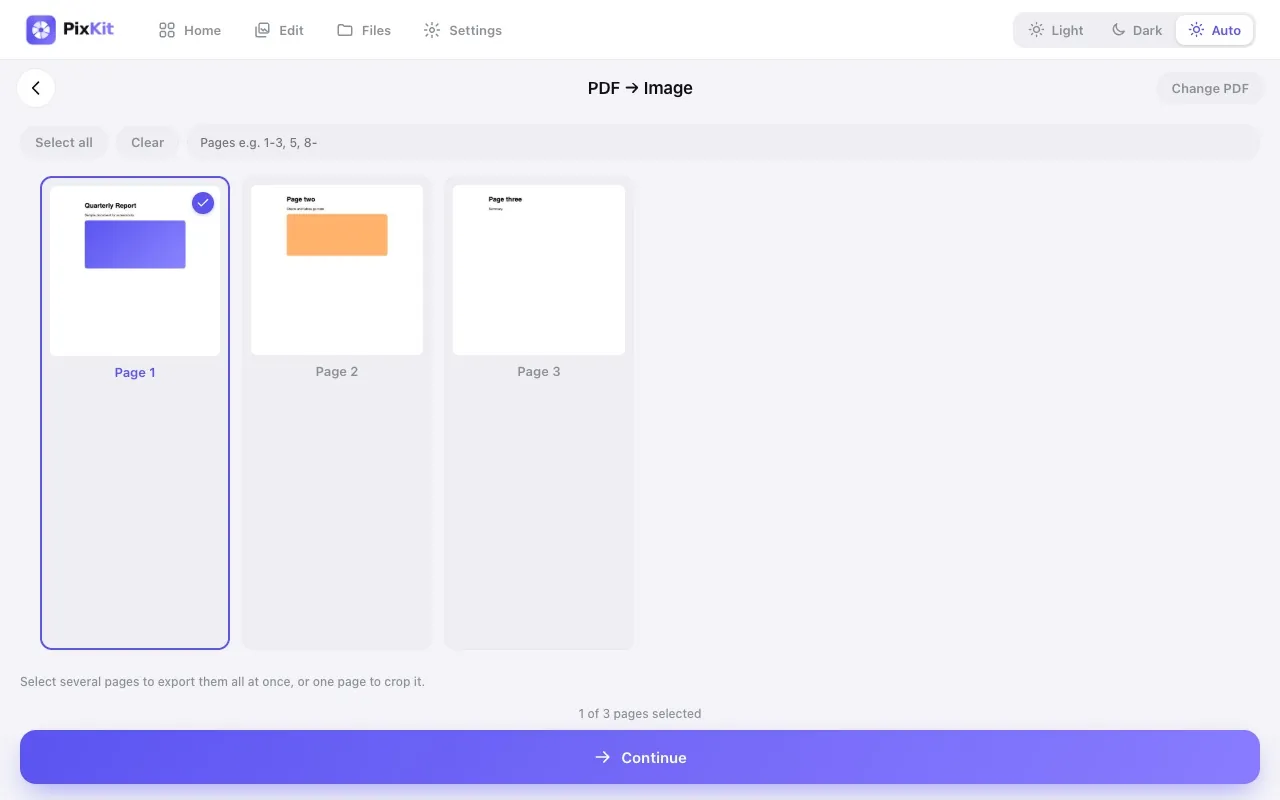
PDF to ImageTurn PDF pages into images.
Popular photo sizes
File size · 20 KB
How to Reduce a Photo to 20 KBShrink any photo or signature to under 20 KB as a JPG, right in your browser. Step-by-step, with the pixel sizes that usually fit and a one-click preset link.File size · 50 KB
How to Reduce a Photo to 50 KBGet a photo under 50 KB as a JPG without uploading it. See the pixel size that works, how to avoid blur, and use a preset link to do it in seconds.File size · 100 KB
How to Compress an Image to 100 KBMake a photo or scan under 100 KB as JPG, PNG or WebP without uploading it. Learn the pixel sizes that fit and avoid common quality mistakes.File size · 200 KB
How to Reduce an Image to 200 KBGet any photo under 200 KB without losing sharpness. Pixel sizes, format advice and a one-click preset that does the resizing and compression for you.Why PixKit
Private by designImages and PDFs are processed locally in your browser. We never receive them.
No sign-upOpen a tool and start working. No account, no email.
FastNo upload or download queues, so results appear in seconds.
Works everywherePhones, tablets and desktops; light and dark themes; plus an Android app.