 PixKit
Guides
Step-by-step how-tos with screenshots for everyday photo and PDF tasks. Each guide is written and tested by the person who builds PixKit.
Guide · 2 min read
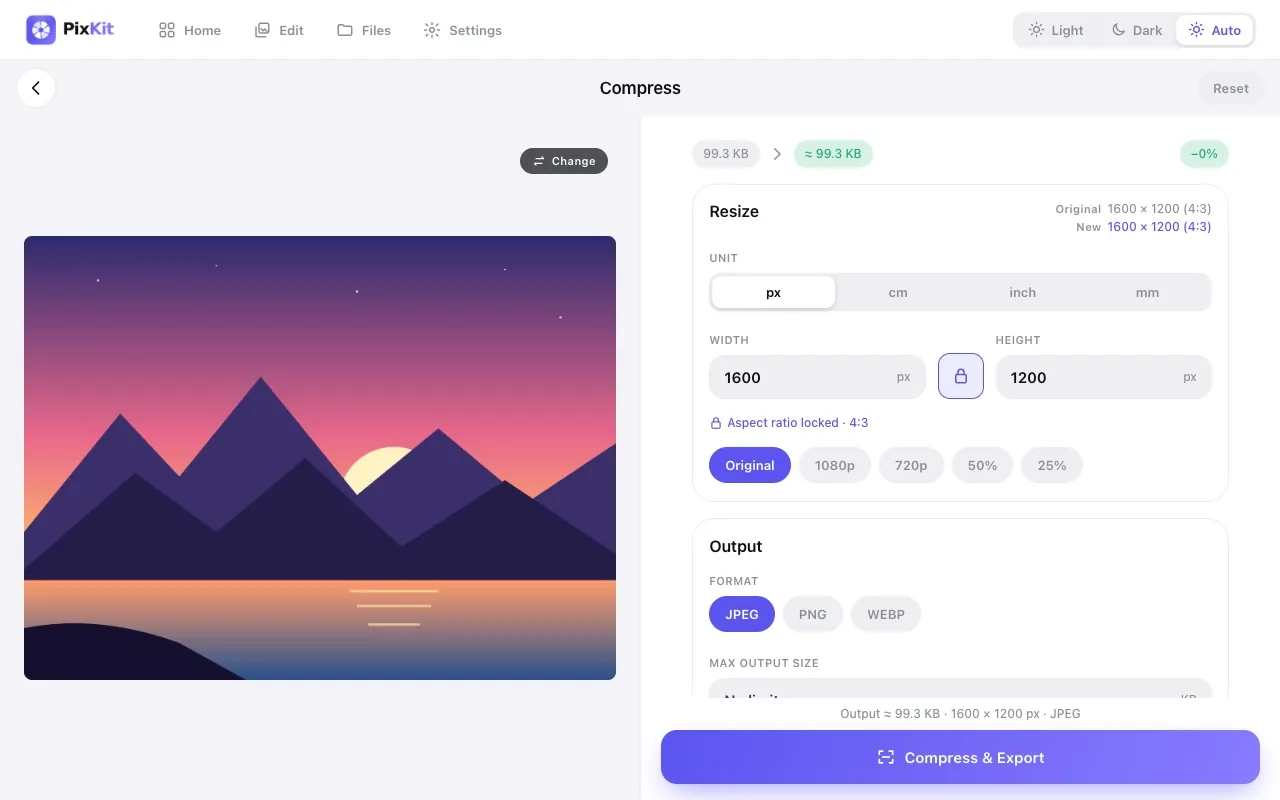
How to Reduce Image Size Without Losing QualityA practical guide to making photos smaller for forms, email and websites: resolution, formats, quality settings and the order to apply them.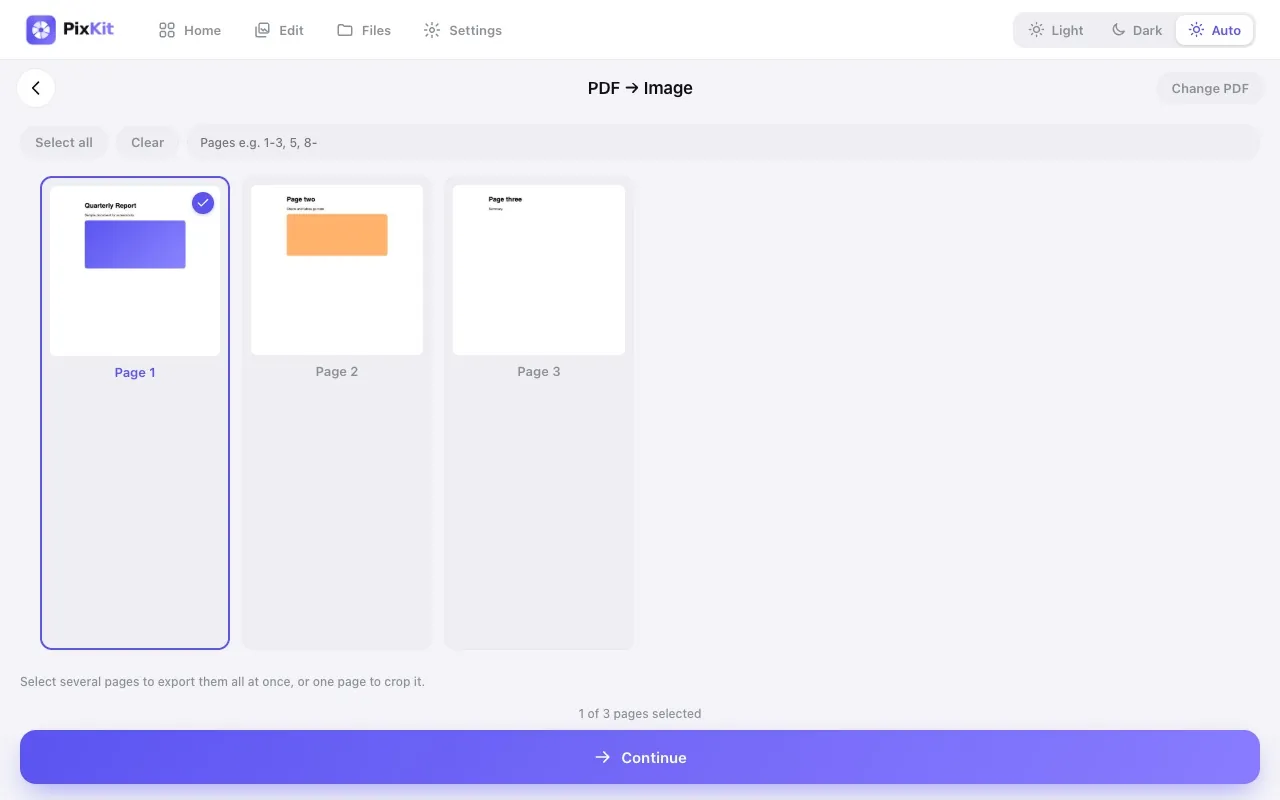
Guide · 2 min read
How to Convert PDF Pages to Images (JPG, PNG, WebP)Learn when and how to turn PDF pages into images, which format and resolution to choose, and how to export every page at once.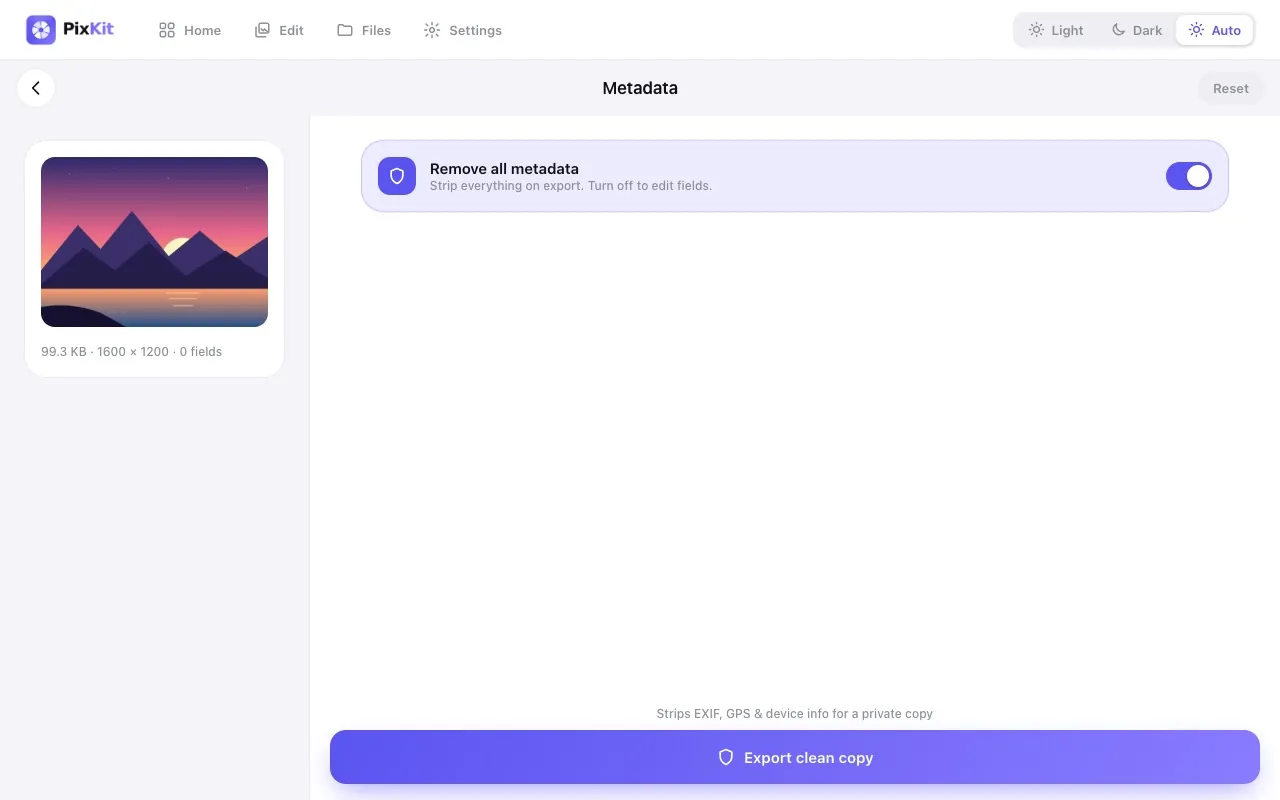
Guide · 2 min read
How to Remove Location Data (EXIF) from Photos Before SharingPhotos can reveal exactly where they were taken. Learn what EXIF metadata contains, who can see it, and how to remove it.Guide · 2 min read
JPEG vs PNG vs WebP: Which Image Format Should You Use?Understand the differences between JPEG, PNG and WebP — compression, transparency, support and best uses — so you pick the right one every time.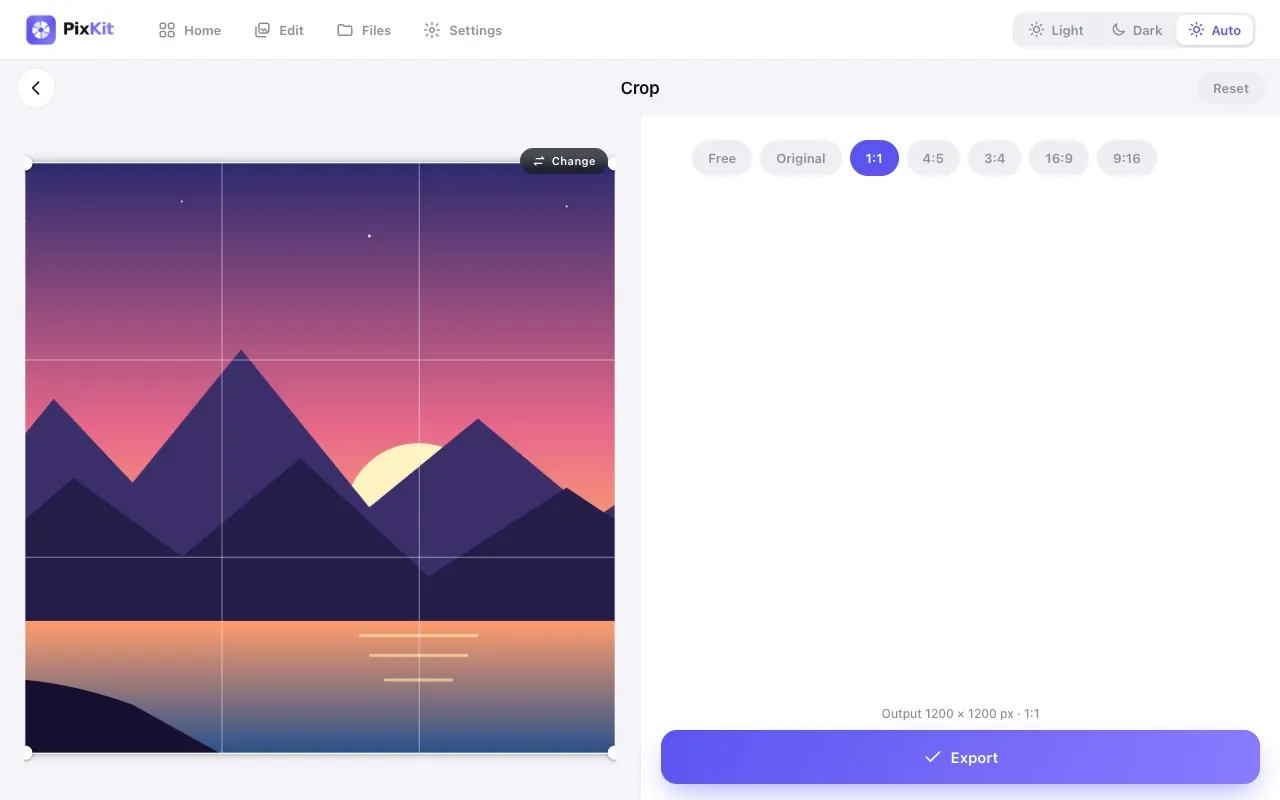
Guide · 2 min read
Photo and Signature Size Requirements for Online Forms (and How to Meet Them)Online applications often demand a photo under 100 KB or a signature at an exact size. Here is how to prepare images that are accepted first time.Guide · 3 min read
How to Crop a Photo to an Exact Aspect Ratio (1:1, 4:5, 16:9)A step-by-step guide to cropping photos to square, portrait and widescreen ratios for profile pictures, social posts and thumbnails — without losing quality.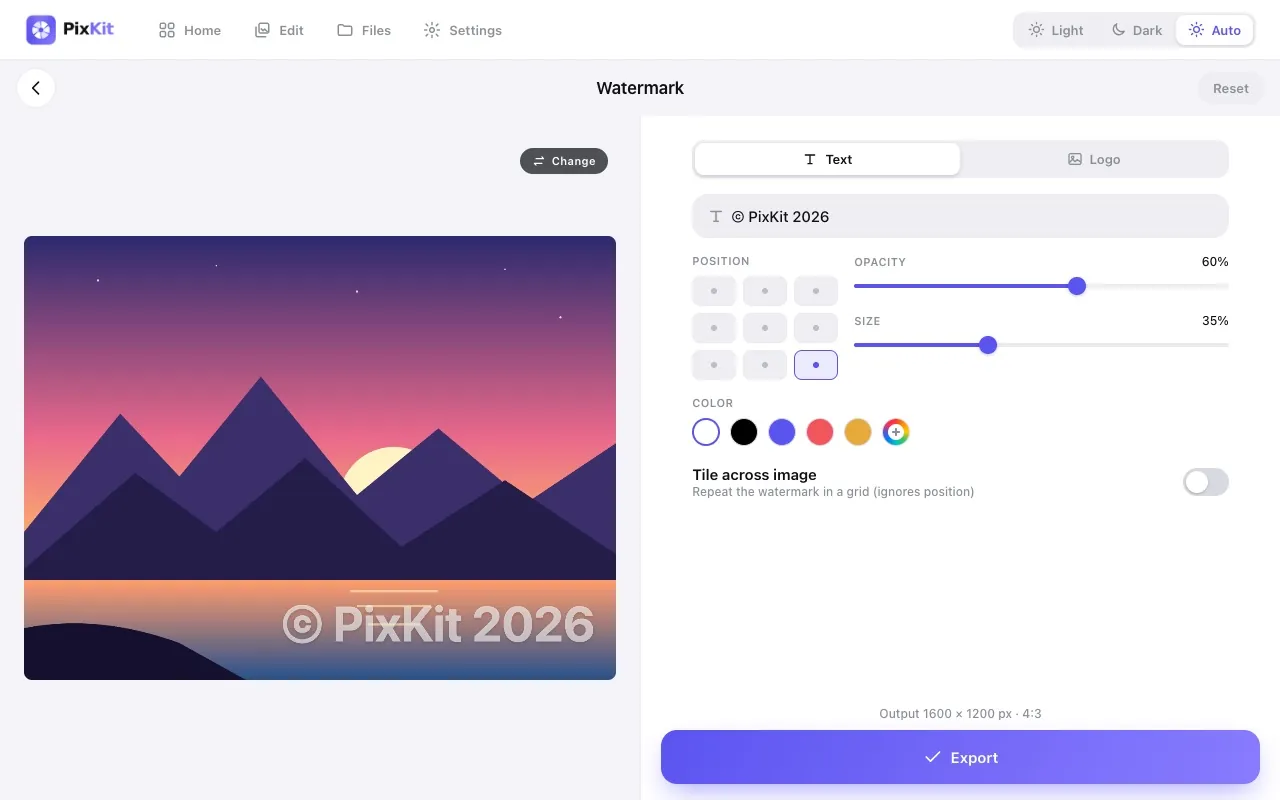
Guide · 2 min read
How to Add a Watermark to Your Photos (Text or Logo)Protect your photography and get credit for it. Learn how to add a subtle text or logo watermark, choose position and opacity, and avoid common mistakes.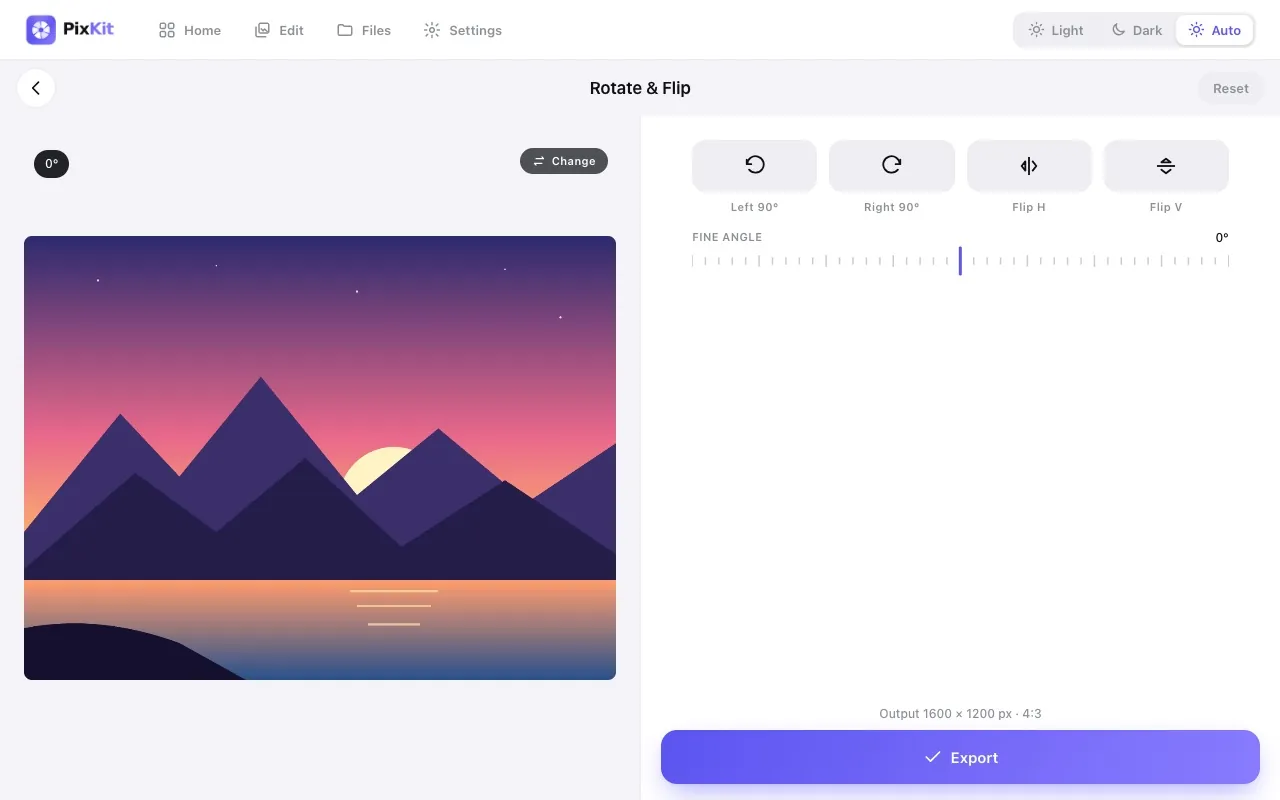
Guide · 2 min read
How to Rotate, Flip and Straighten Photos OnlineFix sideways photos, mirror an image and level a crooked horizon. Understand EXIF orientation and why some photos appear rotated in certain apps.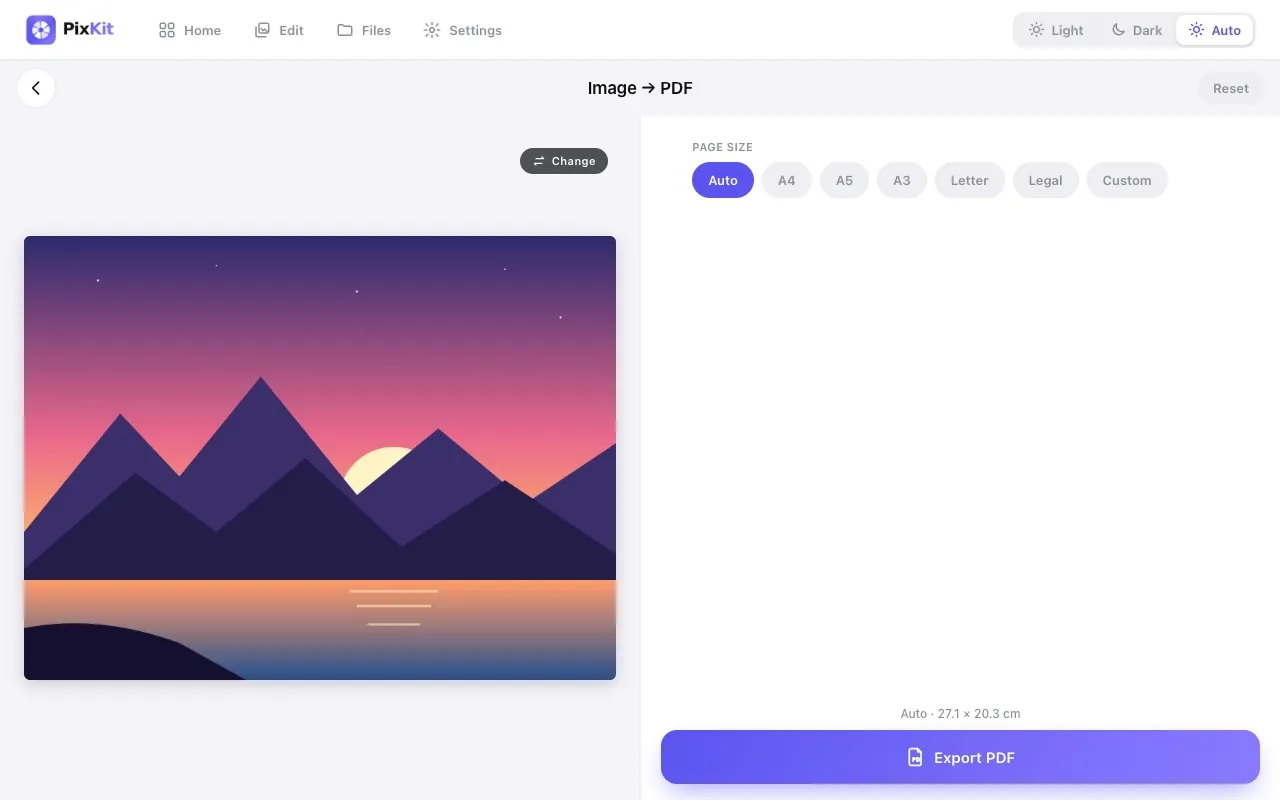
Guide · 2 min read
How to Convert a JPG or PNG Image to PDF (A4, Letter, Custom Size)Turn a photo or scan into a tidy PDF page. Choose page size, orientation, margins and background — all in your browser without uploading the file.Looking for background reading and opinion? See the blog. Want to understand how we write? Read our editorial policy.