PixKit
Photo and Signature Size Requirements for Online Forms (and How to Meet Them)
Online applications often demand a photo under 100 KB or a signature at an exact size. Here is how to prepare images that are accepted first time.
Why uploads get rejected
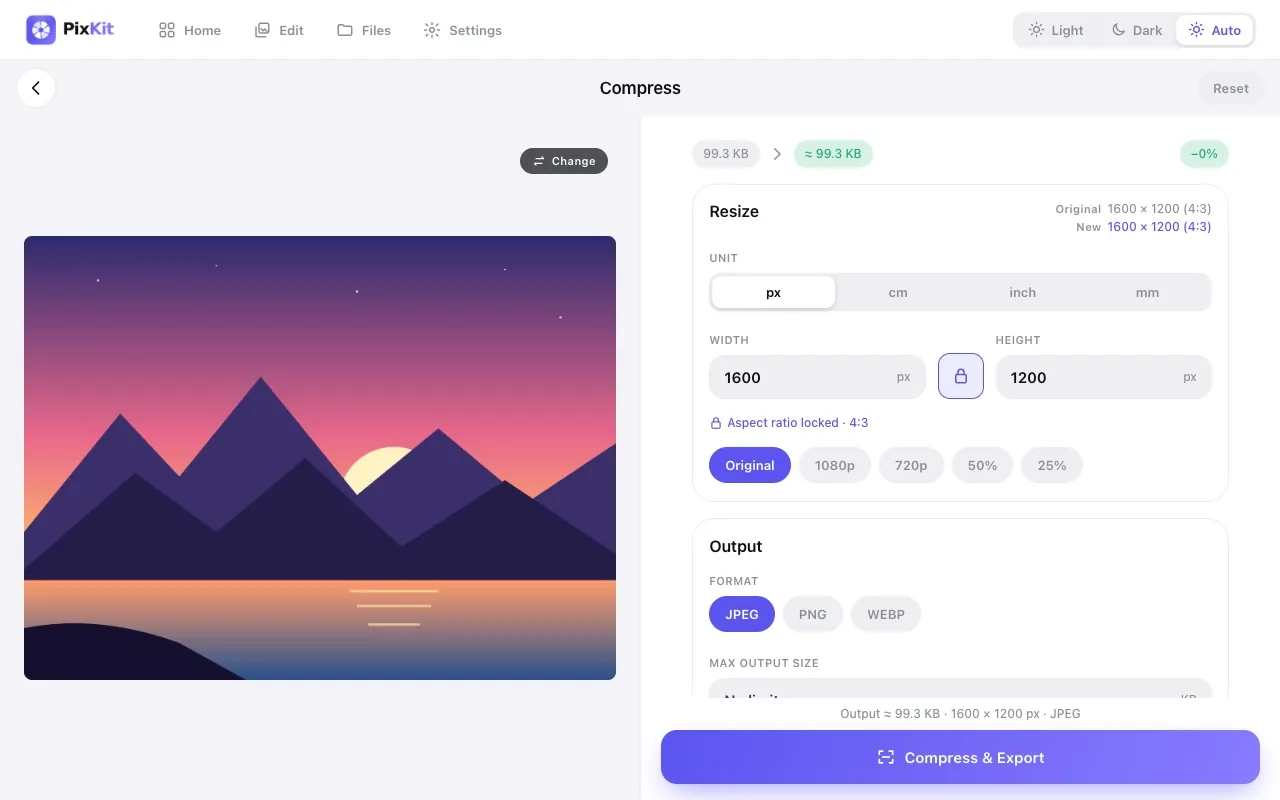
Application portals for exams, jobs, visas and government services enforce strict rules: a maximum file size (often 20–200 KB), a specific format (usually JPG), and sometimes exact pixel dimensions such as 200 × 230 px for a photo or 140 × 60 px for a signature. If any rule is broken, the form simply says “invalid file”.
Read the requirements carefully
Note four things: format, minimum and maximum size in KB, pixel dimensions, and background (many want a plain white or light background). Write them down before editing.
Workflow that works
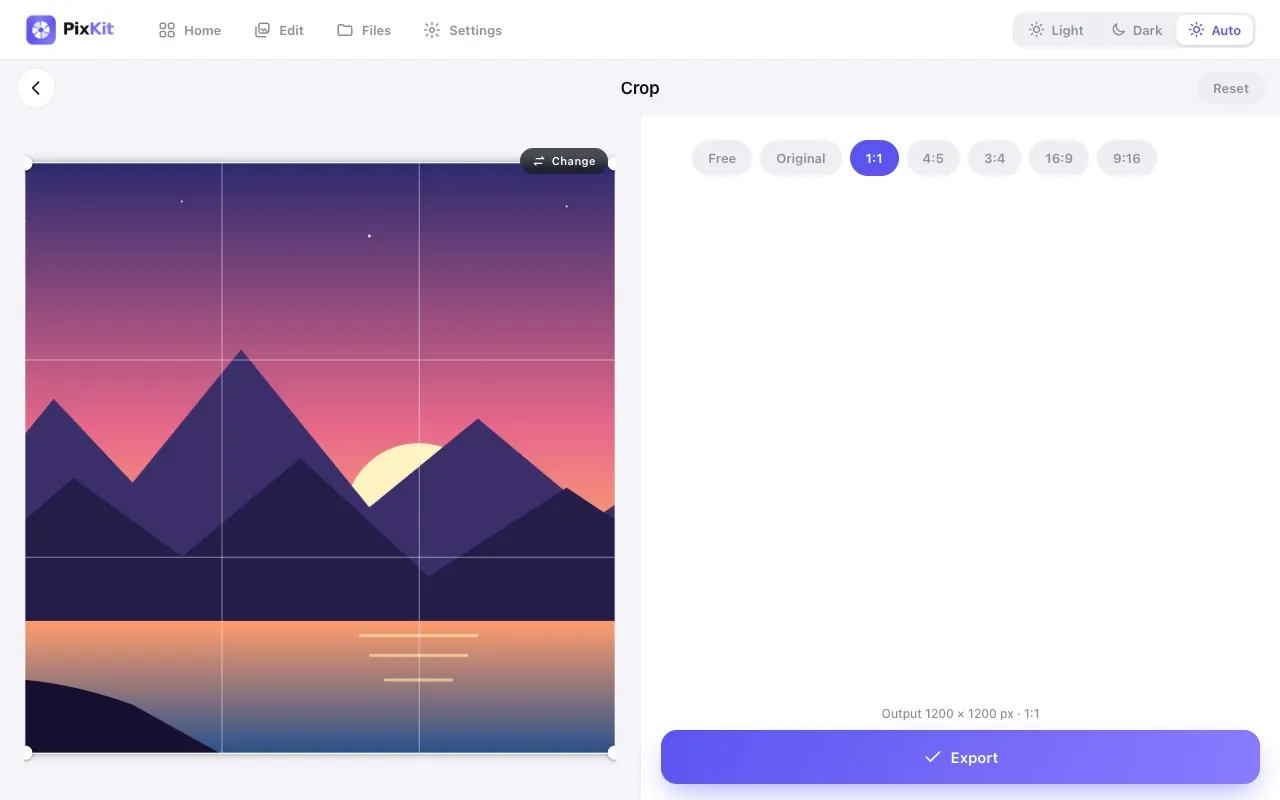
- Crop first so the face or signature fills the frame. Use a fixed aspect ratio if the portal asks for one.
- Resize to the required pixel width and height.
- Export as JPEG and set a size target just under the limit — for a 50 KB limit, aim for 45 KB.
- Check the preview for readability, especially signatures where thin strokes can vanish at low quality.
Photographing a signature
Sign with a dark pen on plain white paper, in even daylight, holding the phone straight above to avoid shadows. Crop tightly around the signature, then compress. If a limit is very small, resize the width to the minimum allowed before lowering quality.
Name and date stamps
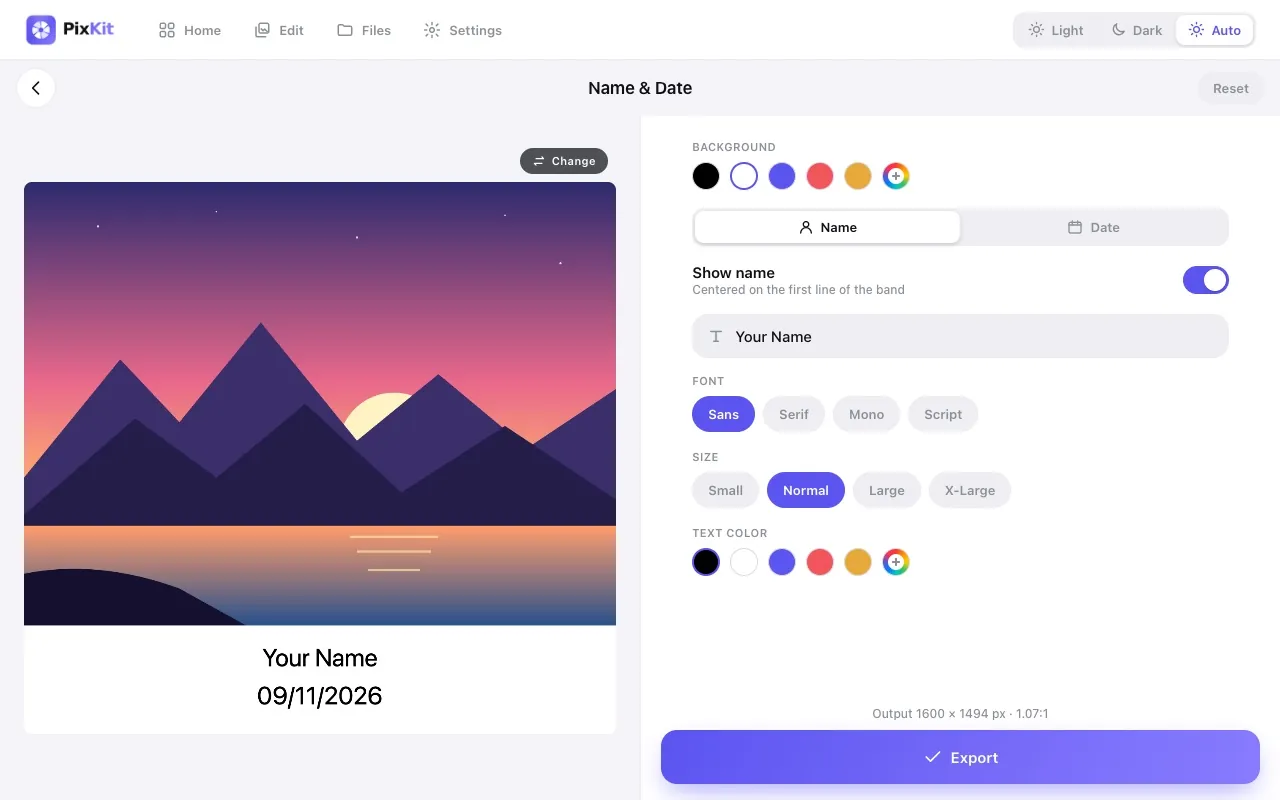
Some portals require a photo with your name and the date visible. PixKit’s Name & Date tool adds a caption band beneath the photo without covering your face.
Keep your documents private
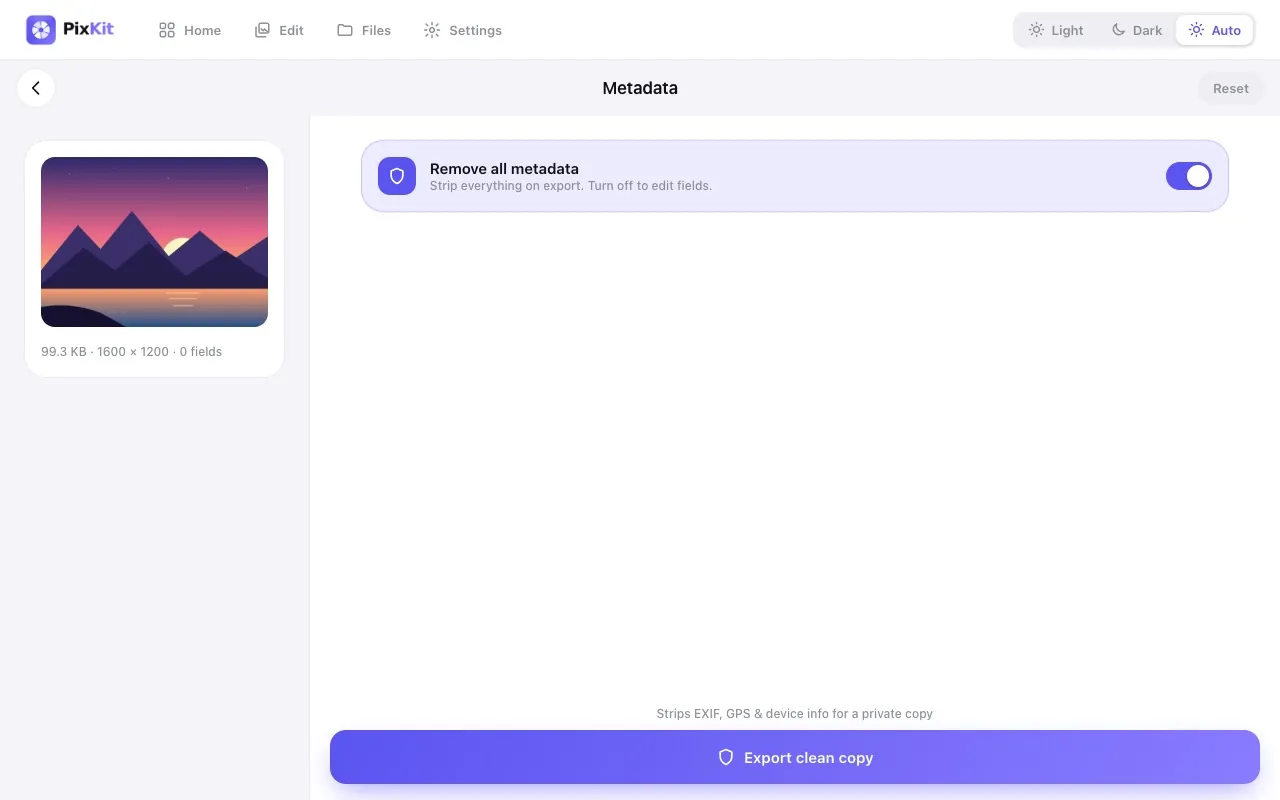
Photos, signatures and ID scans are sensitive. PixKit performs every step in your browser, so none of it is uploaded to us or anyone else.
Try Compress Image freeAbout this tool
More guides