PixKit
How to Remove Location Data (EXIF) from Photos Before Sharing
Photos can reveal exactly where they were taken. Learn what EXIF metadata contains, who can see it, and how to remove it.
What is EXIF metadata?
EXIF (Exchangeable Image File Format) is information stored inside a photo file alongside the pixels. Cameras and phones record the device model, lens, exposure settings, date and time, orientation and, if location services are on, the GPS coordinates where the picture was taken.
Why it matters for privacy
If you photograph your home, your child’s school or your workplace and share the original file, anyone who receives it can read the coordinates and see the place on a map. Many large social networks strip EXIF when you upload, but email attachments, messaging apps that send “as file”, forums, marketplaces and your own website often keep it.
How to check what a photo contains
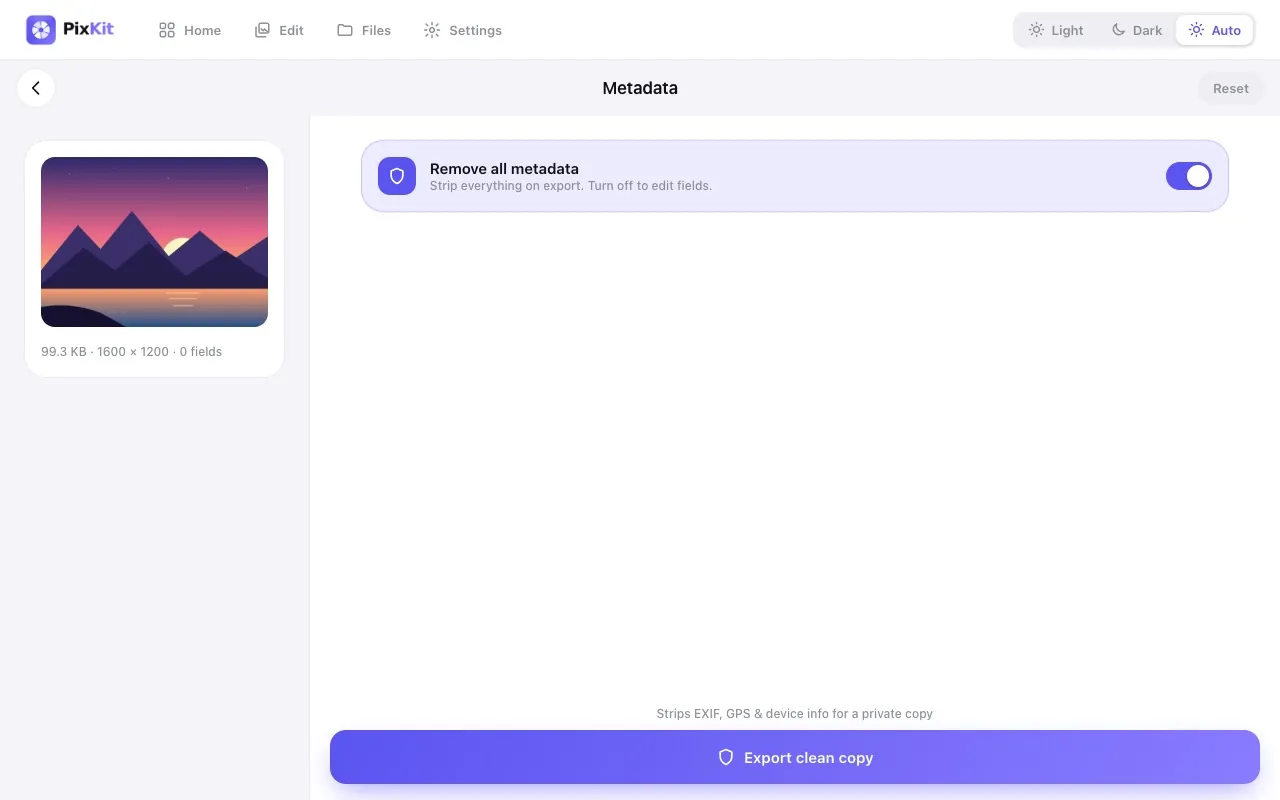
Open the file in a metadata viewer. In PixKit, the Metadata tool lists the camera, date and location fields it finds. If you see latitude and longitude, the photo can be traced.
Removing metadata
In PixKit choose the Metadata tool, pick the photo, and export with all metadata removed. If you want to keep some details, such as a copyright line, you can edit those fields and strip the rest. The result is a new file; your original is not changed.
Prevent it at the source
- On iPhone: Settings › Privacy › Location Services › Camera › Never.
- On Android: open the camera settings and turn off Location tags / Save location.
Doing this stops new photos from carrying GPS data, though you lose automatic map grouping in your gallery.
When to keep metadata
Photographers need dates and camera settings for organising shots and proving authorship. Keep it in your private archive and share stripped copies.
Try Image Metadata (EXIF) Editor freeAbout this tool
More guides