PixKit
JPEG vs PNG vs WebP: Which Image Format Should You Use?
Understand the differences between JPEG, PNG and WebP — compression, transparency, support and best uses — so you pick the right one every time.
The short answer
Use JPEG or WebP for photographs, PNG for graphics that need sharp edges or transparency, and WebP when you want the smallest file and your audience uses modern browsers.
JPEG
JPEG has been the standard for photos since the 1990s. It uses lossy compression: it discards fine colour detail that the eye barely perceives, which makes files small. It does not support transparency. Re-saving a JPEG repeatedly degrades it, so keep the original and export once.
PNG
PNG is lossless — every pixel is preserved exactly — and supports full transparency. That makes it ideal for logos, icons, screenshots, charts and text-heavy images. Photographs saved as PNG are often five to ten times larger than the same JPEG.
WebP
WebP, developed by Google, supports lossy and lossless compression plus transparency and animation. At comparable visual quality a lossy WebP is usually 25–35% smaller than a JPEG. It is supported in all current versions of Chrome, Firefox, Safari and Edge, though some older tools and upload forms still reject it.
Quick comparison
- Photos for sharing: JPEG or WebP.
- Logo with transparent background: PNG (or lossless WebP).
- Screenshot with text: PNG.
- Website images where speed matters: WebP with JPEG fallback.
- Upload field that says “JPG only”: JPEG.
Converting between formats
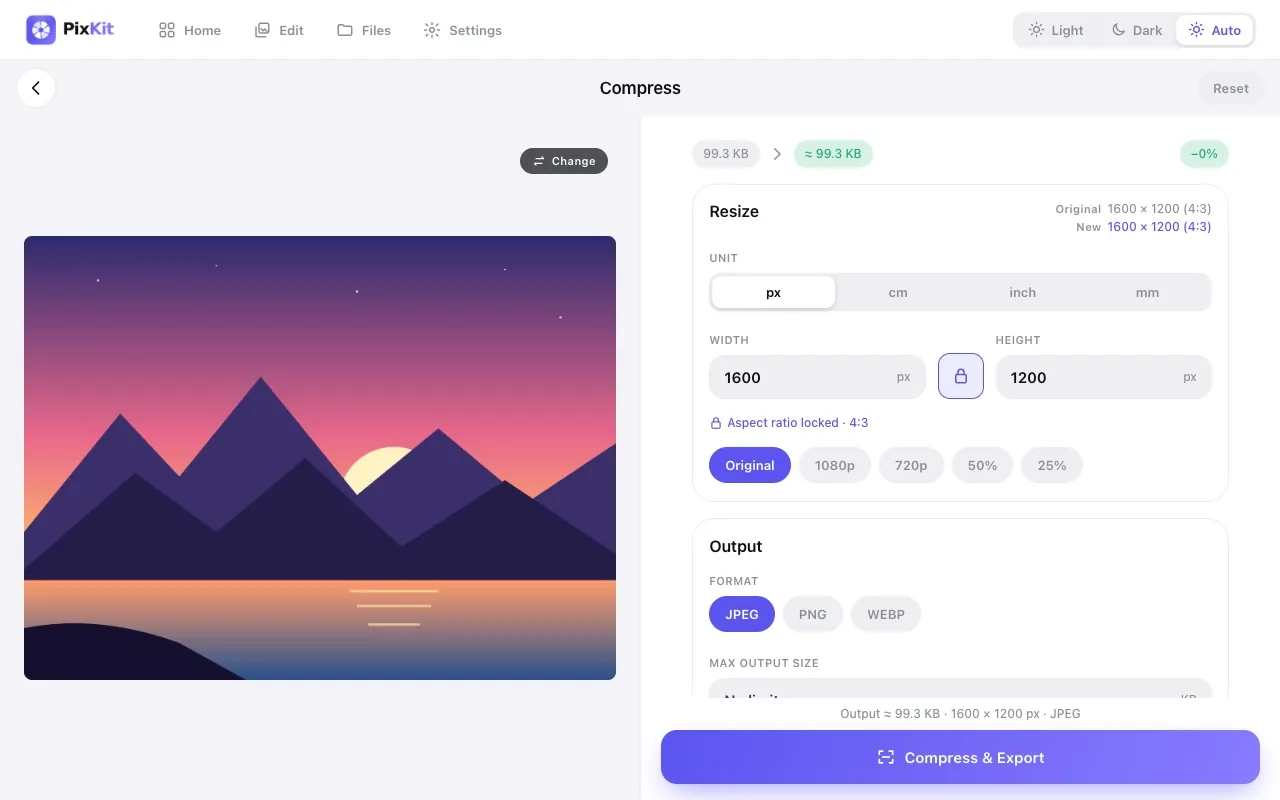
Converting is easy, but remember that going from a lossy format to a lossless one (JPEG to PNG) does not restore lost detail; the file just gets bigger. Convert from your highest-quality original when possible. PixKit’s Compress tool exports to all three formats.
Try Compress Image freeAbout this tool
More guides