About PixKit

PixKit is a fast, private photo and PDF toolkit that works in your browser and on Android. It exists because everyday file jobs should not require handing your documents to a stranger’s server.

8tools
0uploads
15guides & posts
Freeno sign-up

Why it exists

It started with a simple frustration: shrinking a photo for an application form, rotating a scan or turning a PDF page into an image usually means uploading personal files to a website you know nothing about. Passport scans, signed contracts and medical reports deserve better. PixKit does the same jobs without the upload.

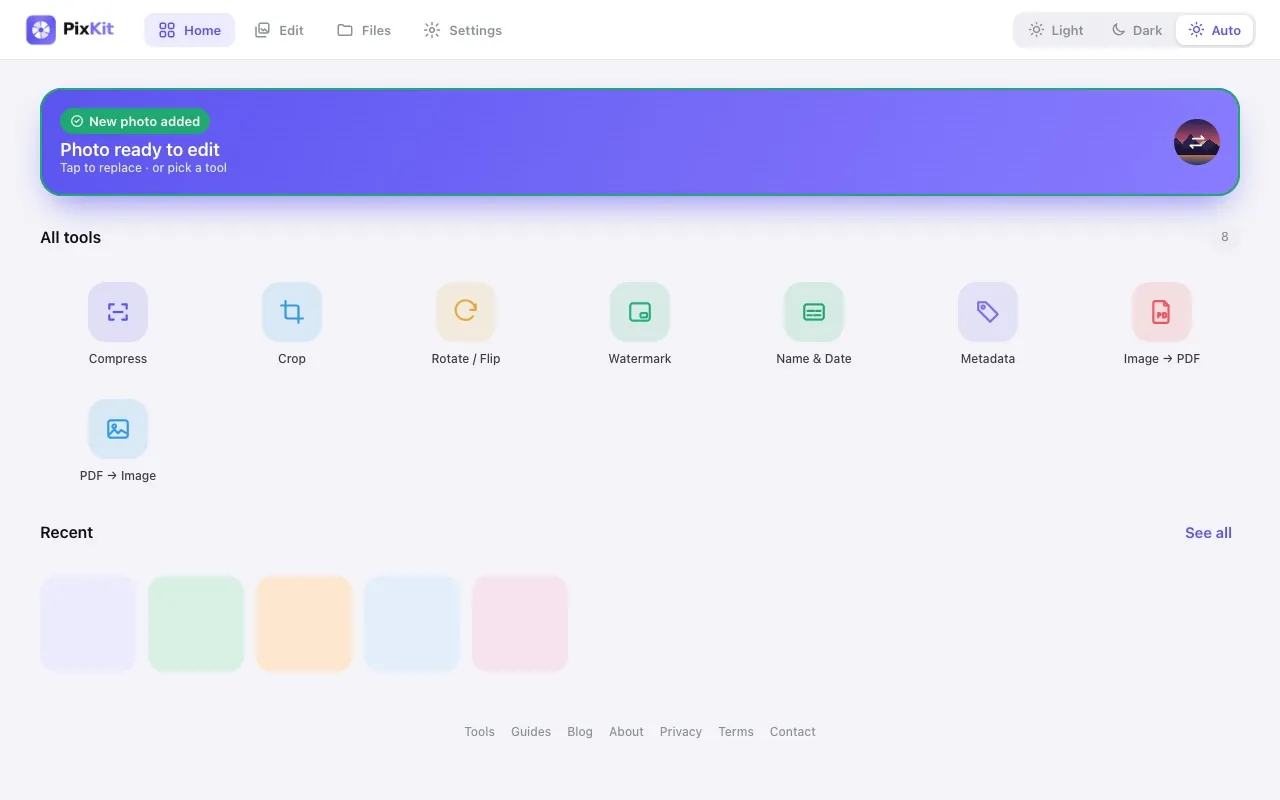
PixKit home screen with a photo loaded and the grid of eight tools
PixKit’s home screen: import a photo once, then pick a tool.

What PixKit does

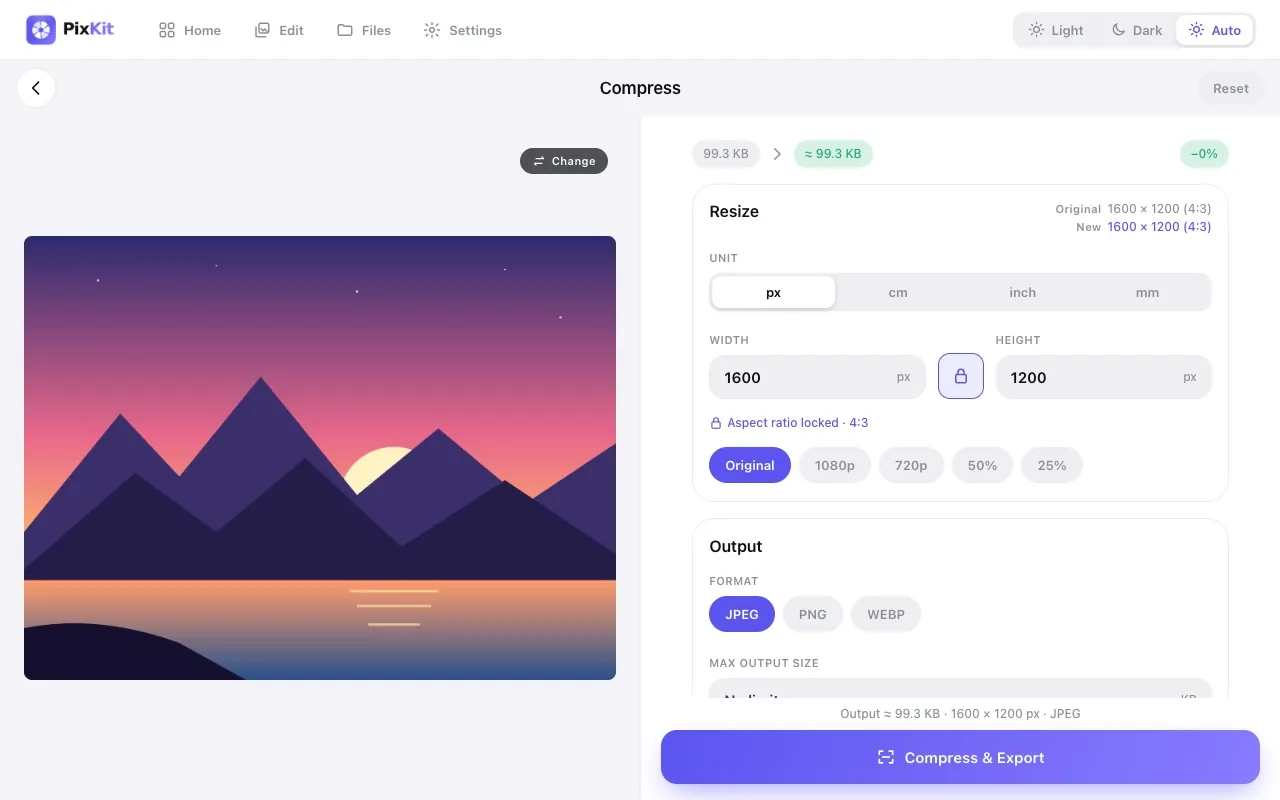
PixKit Compress tool showing resize, format and output size controls
Compress ImageReduce the file size of any photo to a specific size — 100 KB, 200 KB, 1 MB — without uploading it anywhere.
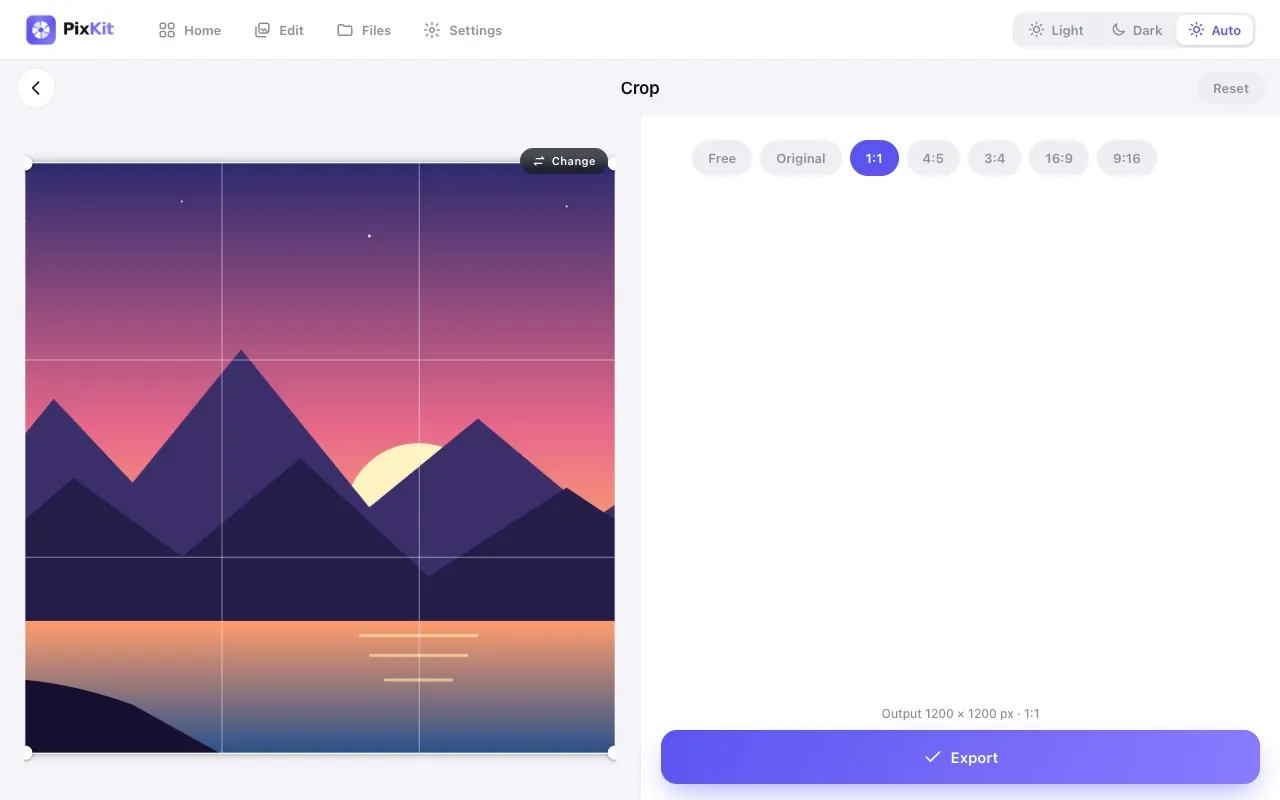
PixKit Crop tool with the 1:1 aspect ratio selected and the crop frame over a photo
Crop ImageCut away the parts of a photo you do not need, or crop to an exact aspect ratio for profile pictures, thumbnails and social posts.
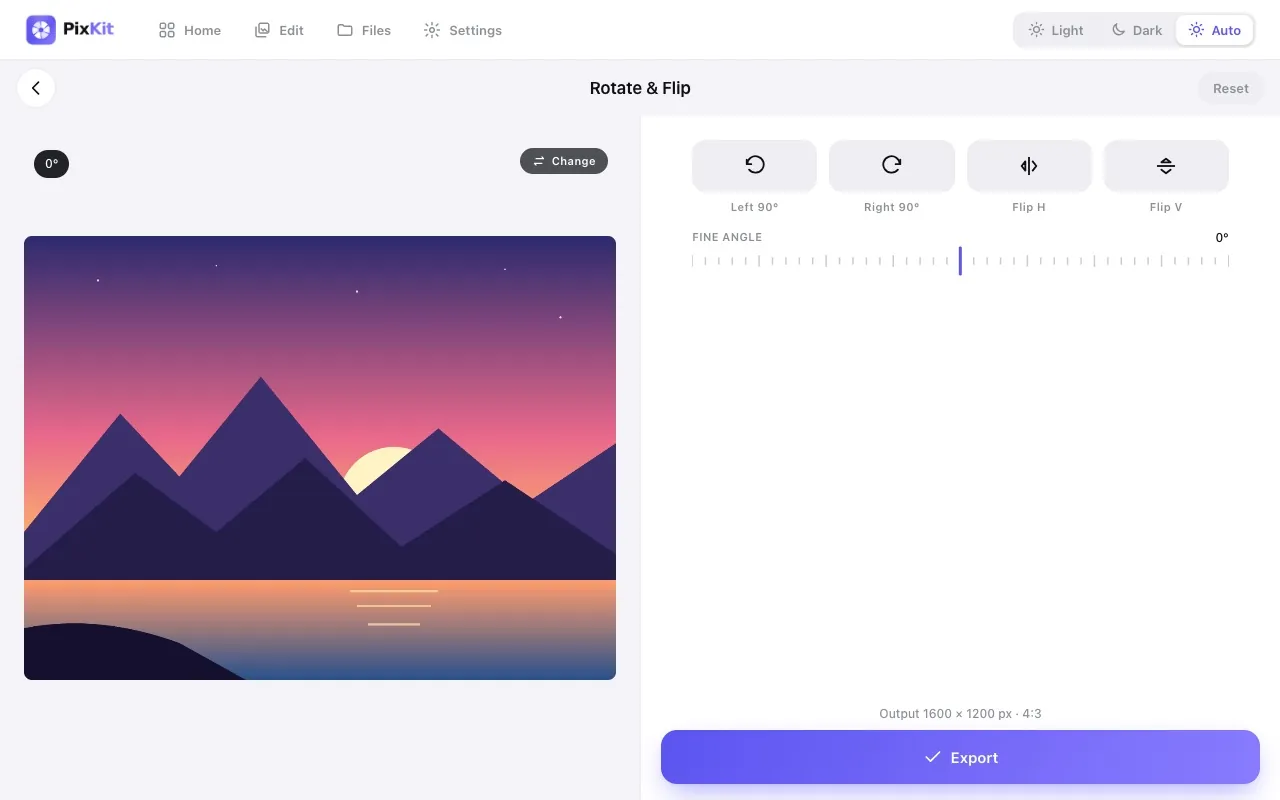
PixKit Rotate and Flip tool with left, right, flip buttons and a fine-angle slider
Rotate & Flip ImageFix sideways photos, mirror an image, or straighten a crooked horizon by a few degrees — without installing anything.
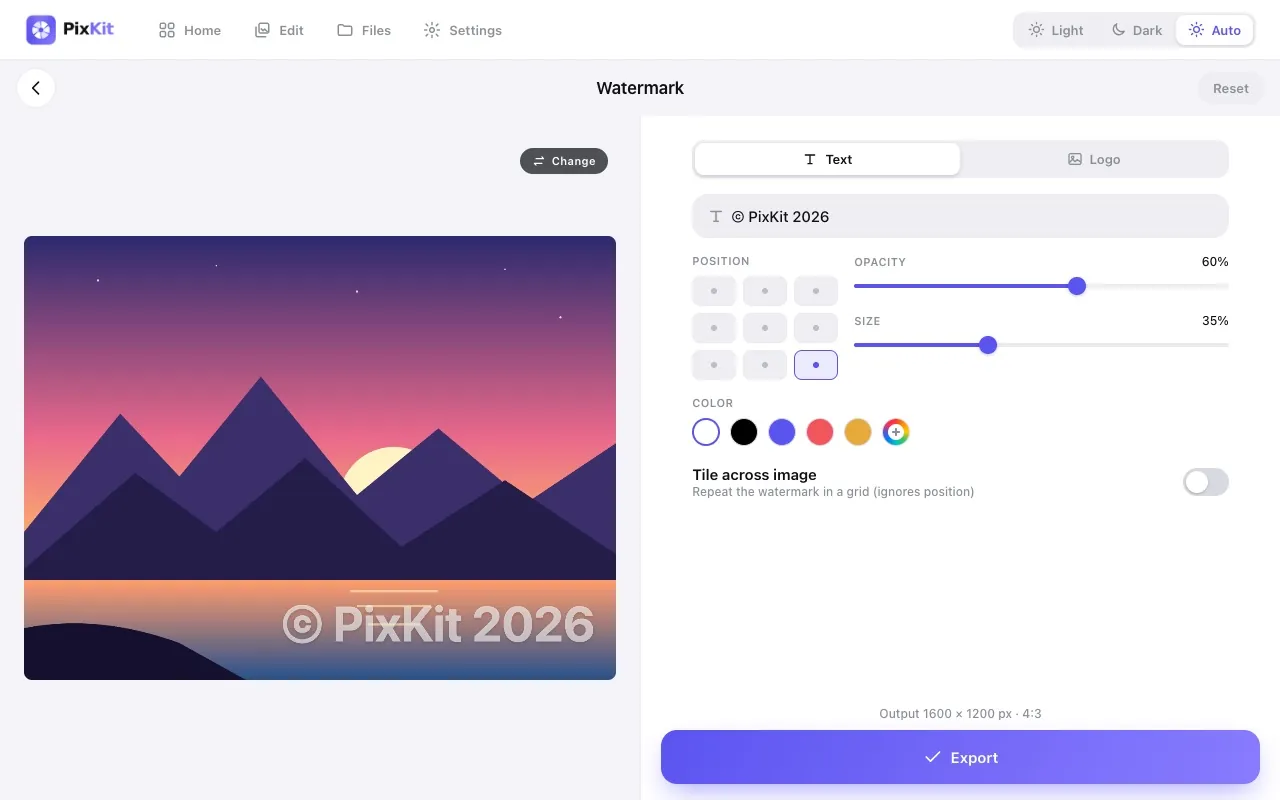
PixKit Watermark tool with a text watermark, position grid, opacity and size sliders
Add WatermarkStamp your name, brand or logo on photos to discourage unauthorised reuse and make sure you get credit.
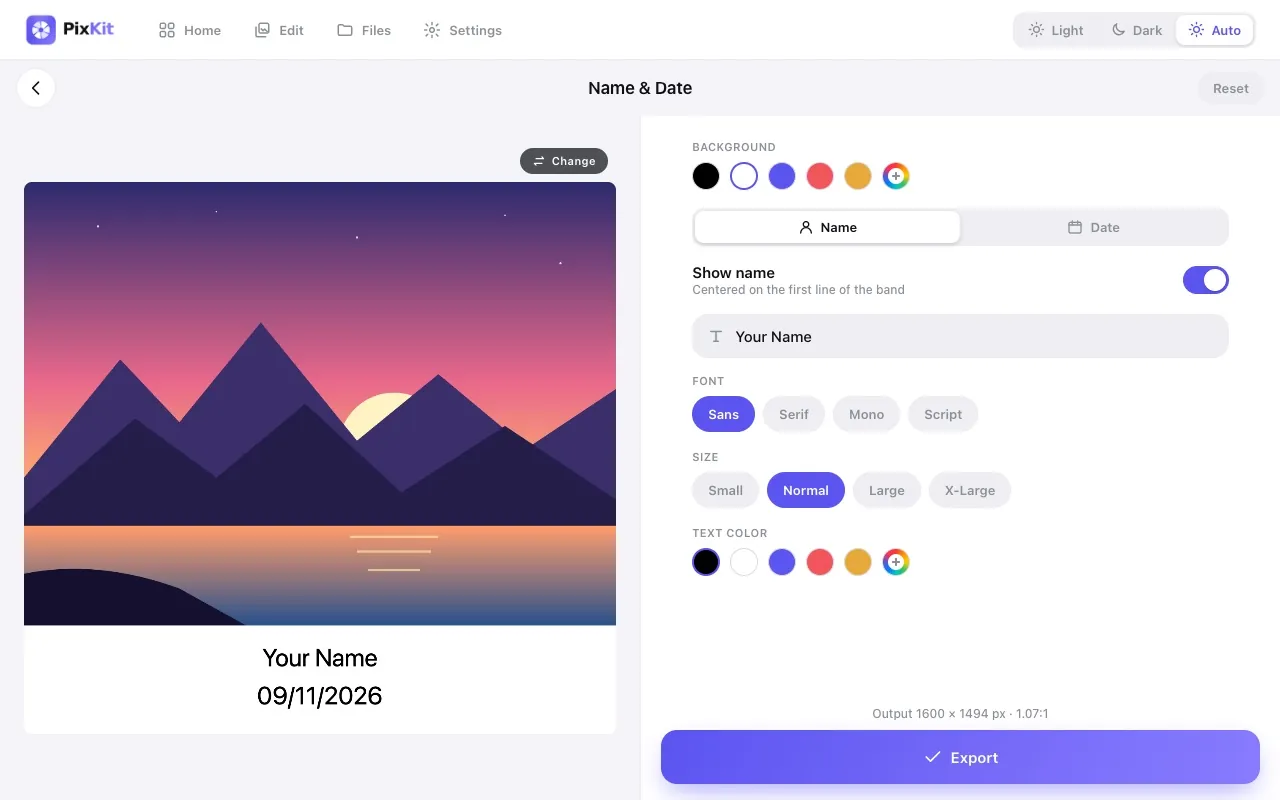
PixKit Name and Date tool adding a caption band with a name and date below a photo
Add Name & DateAdd a clean caption strip with a name and date beneath a photo, ideal for documentation, attendance and ID-style submissions.
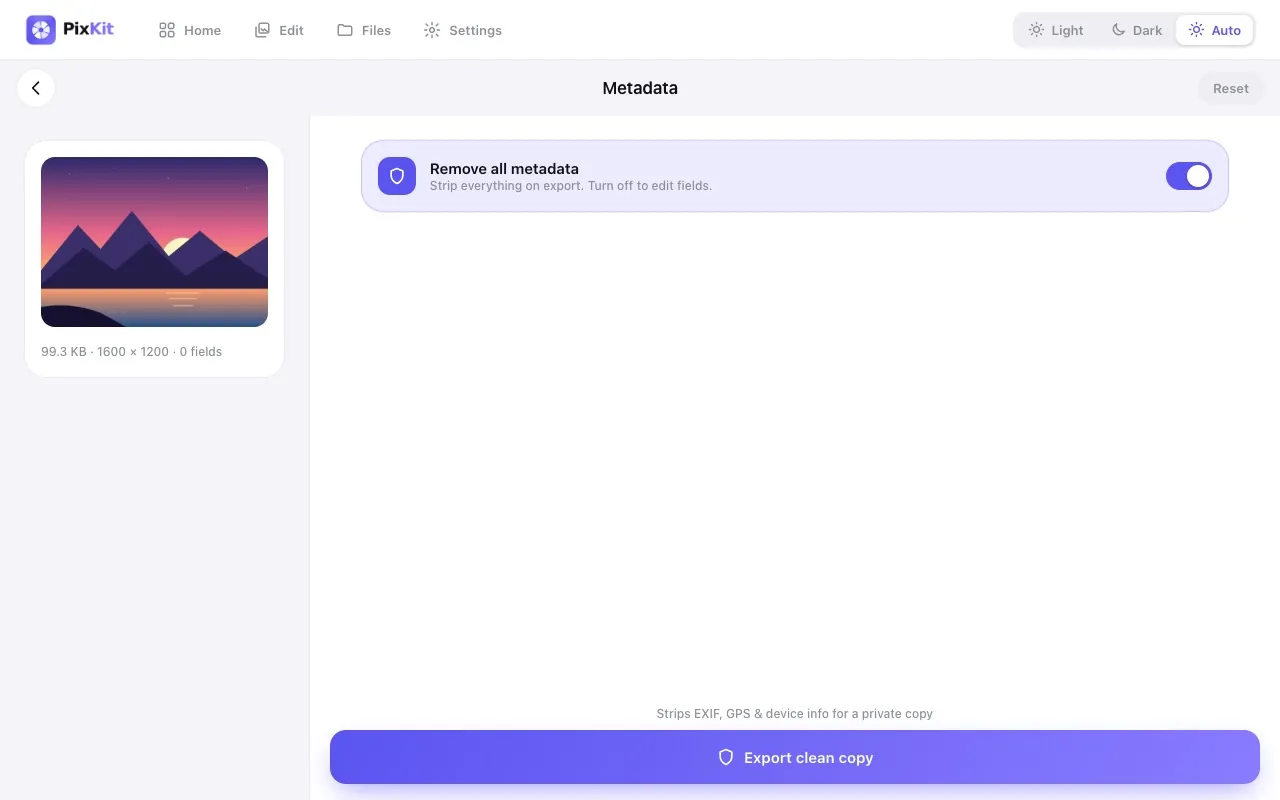
PixKit Metadata tool with the Remove all metadata switch turned on
Image Metadata (EXIF) EditorPhotos quietly carry hidden details: the camera model, the date and time, and often the exact GPS location.
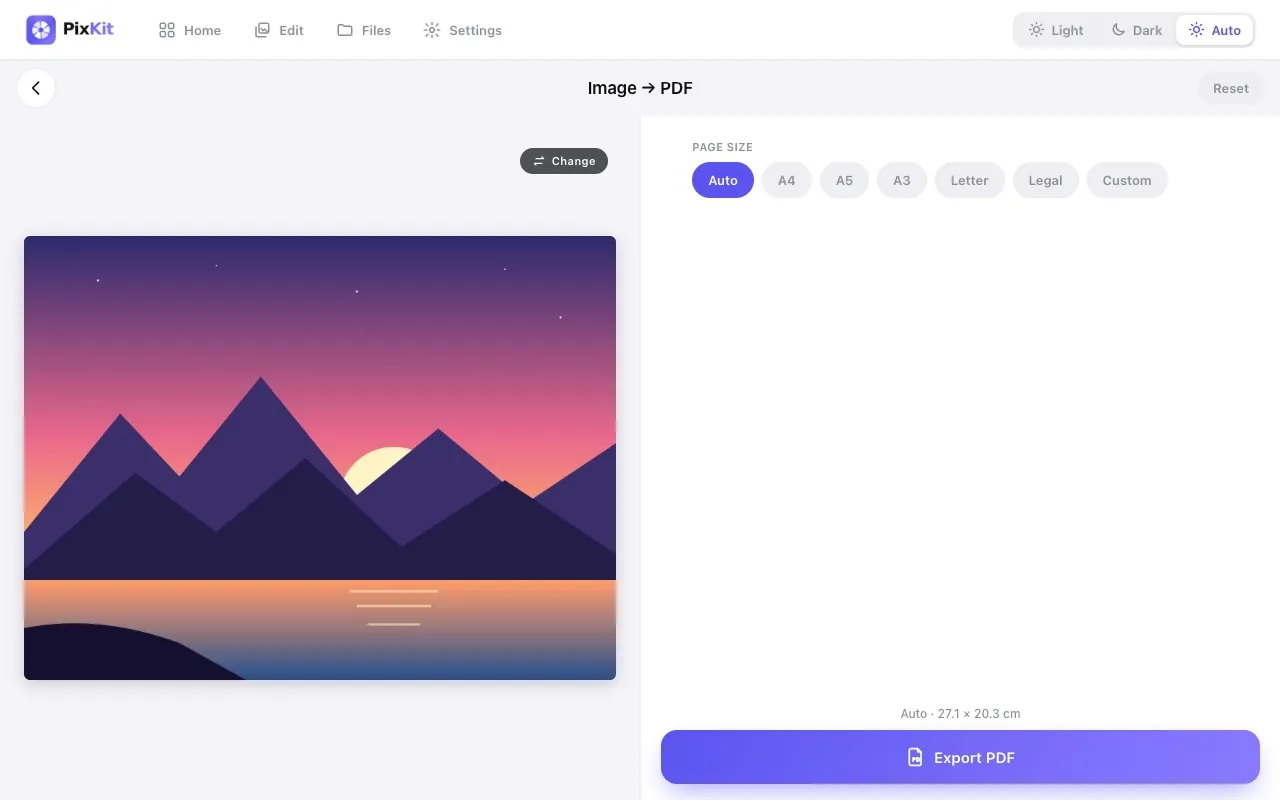
PixKit Image to PDF tool with page size options A4, A5, A3, Letter, Legal and Custom
Image to PDFConvert a JPG, PNG or WebP picture into a PDF page sized the way you need it — A4, Letter, or a custom size in centimetres.
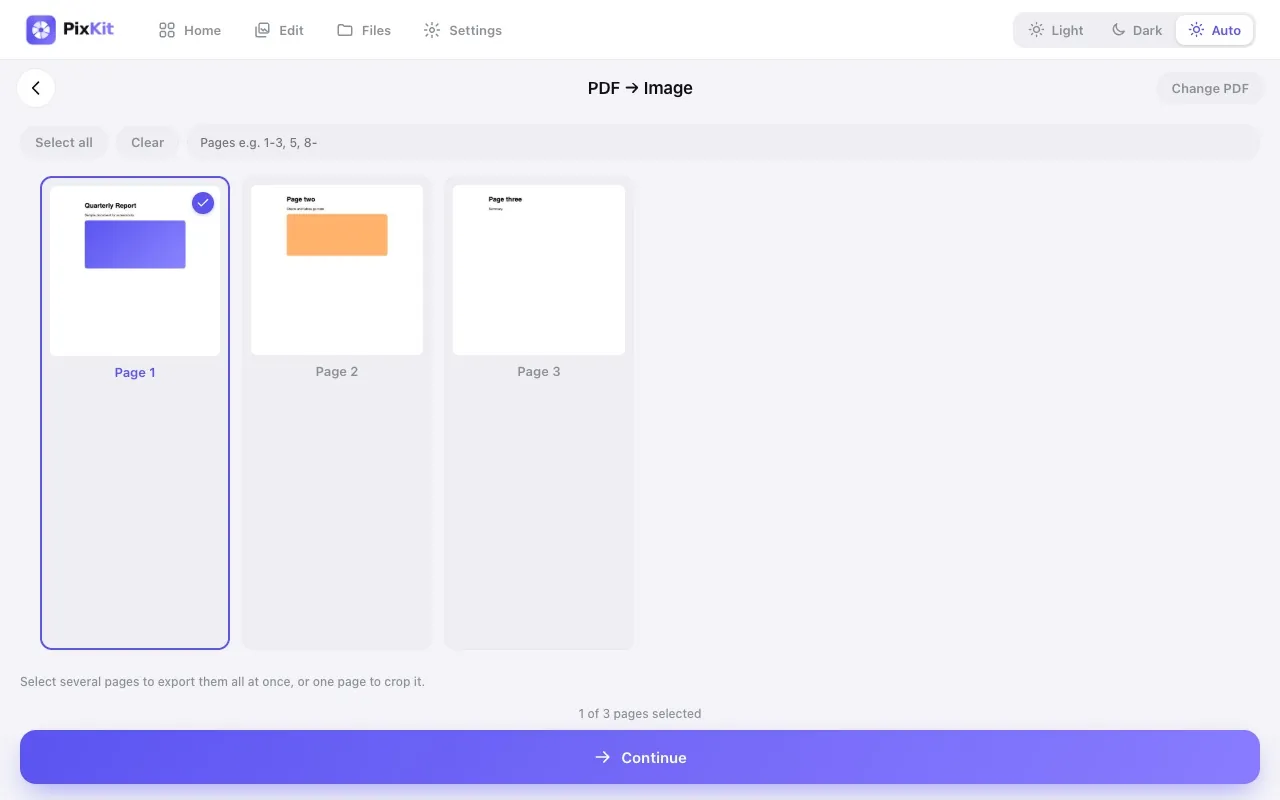
PixKit PDF to Image tool showing page thumbnails with page 1 selected
PDF to ImageTurn PDF pages into images.

How it works

When you open a file, the browser reads it into memory on your device. PixKit uses the browser’s Canvas API to resize and edit images, pdf.js to render PDF pages and jsPDF to build PDFs. Nothing is transmitted to our servers because we do not run servers that accept your files.

How PixKit handles your files Your file goes from your device into the browser tab where PixKit processes it, and the result is saved back to your device. No arrow goes to a server. Your devicephoto or PDF Your browser tabPixKit edits it hereCanvas · PDF.js · jsPDF Result saveddownload · copy · share No upload to any server · no account · no copy kept by us

Our principles

Privacy firstFiles are processed on your device and never uploaded.
Honest toolsOutput is real and predictable. We say what each tool can and cannot do.
Useful contentGuides are written from hands-on testing, not copied or auto-generated filler.
Clear separationAds never appear inside the editing tools, only on guide pages.

Who builds it

PixKit is designed and developed by Prateek Gaur, an independent software developer based in India. The Android app is available on Google Play, and the web version is free to use.

How it is funded

PixKit is supported by advertising. The guide and blog pages on this site show Google AdSense ads; the editing tools themselves are ad-free. Ads never influence what we write — see our editorial policy. The Privacy Policy explains how advertising cookies work and how to opt out.

Get in touch

Questions, bug reports, corrections or ideas? Visit the contact page or email [email protected].