 PixKit
 › Tools › Add Name & Date
Add Name & Date — free, private, in your browser
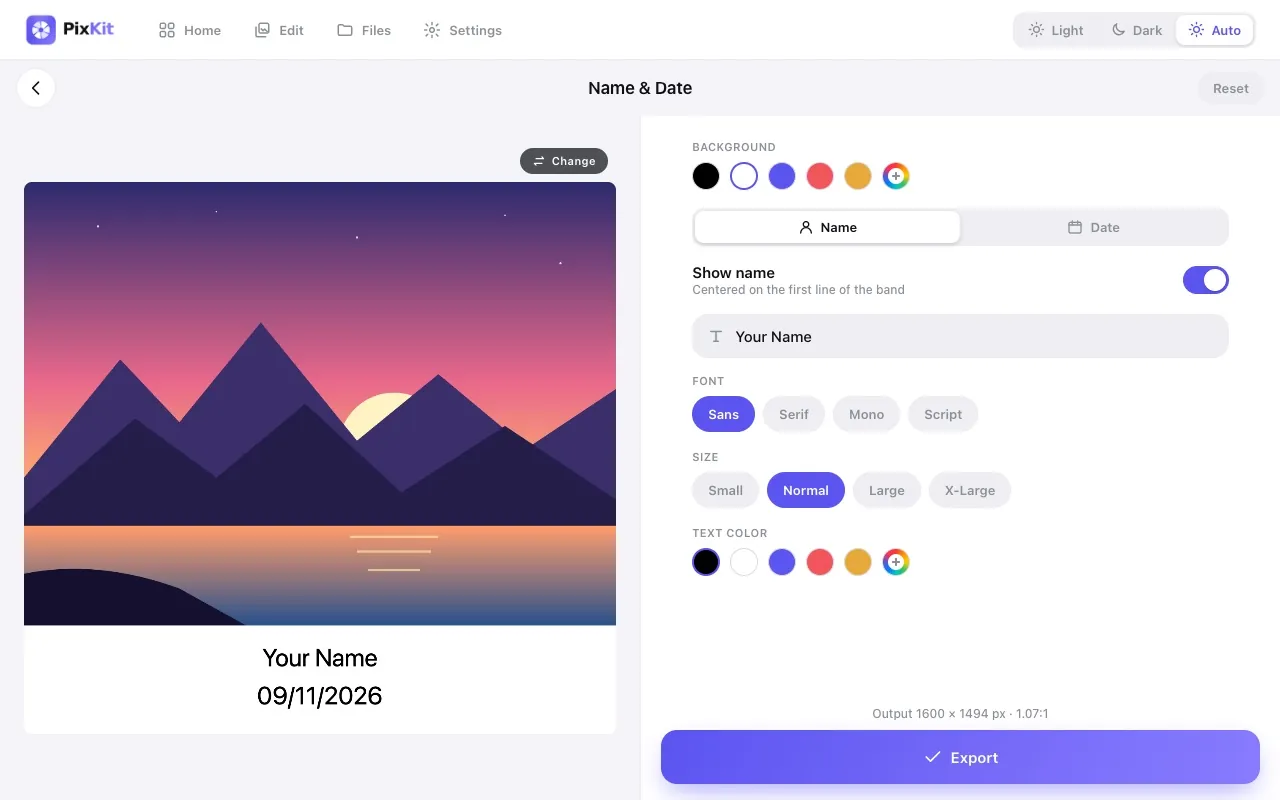
Add a clean caption strip with a name and date beneath a photo, ideal for documentation, attendance and ID-style submissions.
Open Add Name & DateSee how it works
Why use it
Many forms ask for a photo with your name and the date written on it. Inspectors, field workers and teachers also need dated proof photos.
Instead of editing in a heavy app, stamp the details in a caption band that leaves the photo itself untouched.
| Opens | JPEG, PNG, WebP, HEIC |
|---|---|
| Saves as | JPEG, PNG, WebP |
| Upload to a server | Never — everything runs on your device |
| Account needed | No |
| Cost | Free |
How to use Add Name & Date
- Open Name & Date and choose a photo.
- Enter the name and choose or edit the date.
- Pick text and band colours and the layout.
- Export the stamped photo.
Tips for best results
- Keep the band colour high-contrast with the text for easy reading.
- Check the date format your recipient expects before exporting.
Your files stay private
PixKit does all of its image and PDF work locally in your browser using the browser’s Canvas API and open-source JavaScript libraries.
Read the Privacy Policy for the full details.
Frequently asked questions
Does the caption cover part of my photo?
No — it is added in a band below the picture.
Is the date read from the file?
You choose the date; it is not sent anywhere.
More PixKit tools
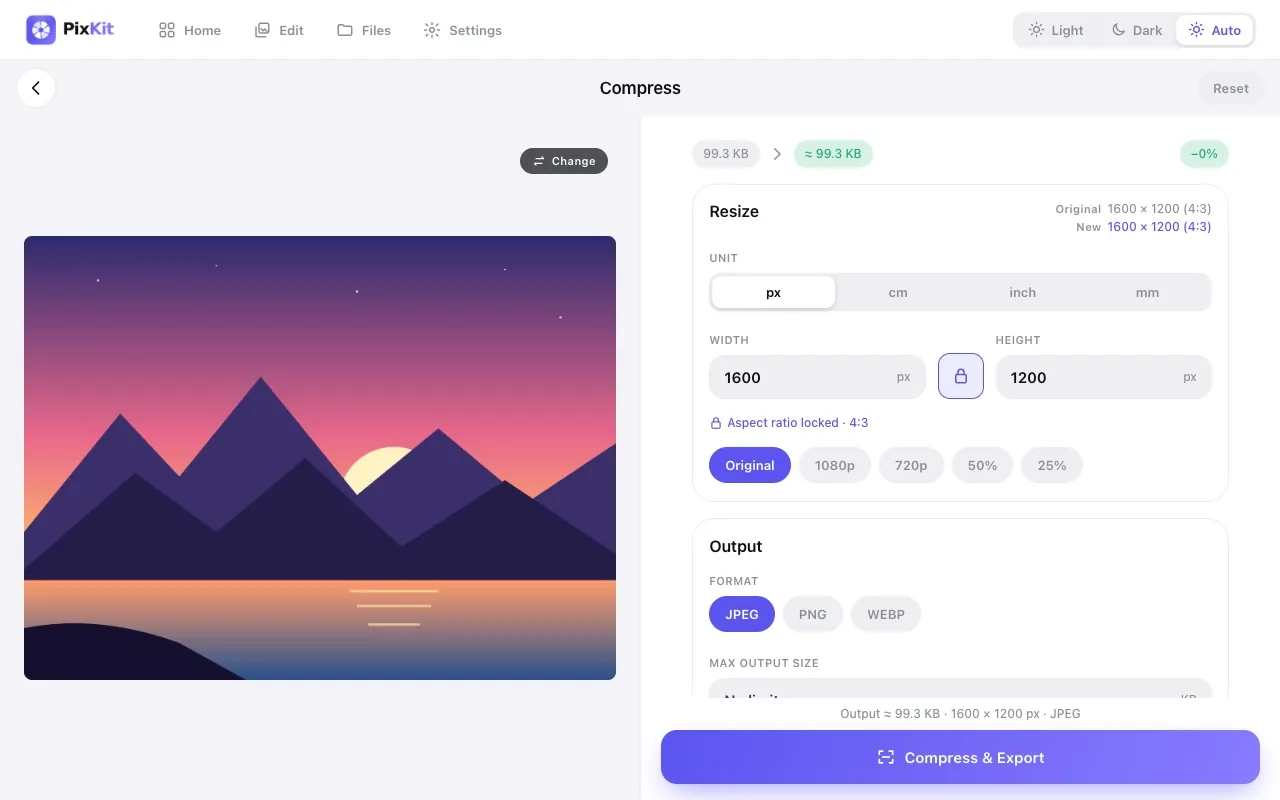
Compress ImageReduce the file size of any photo to a specific size — 100 KB, 200 KB, 1 MB — without uploading it anywhere.
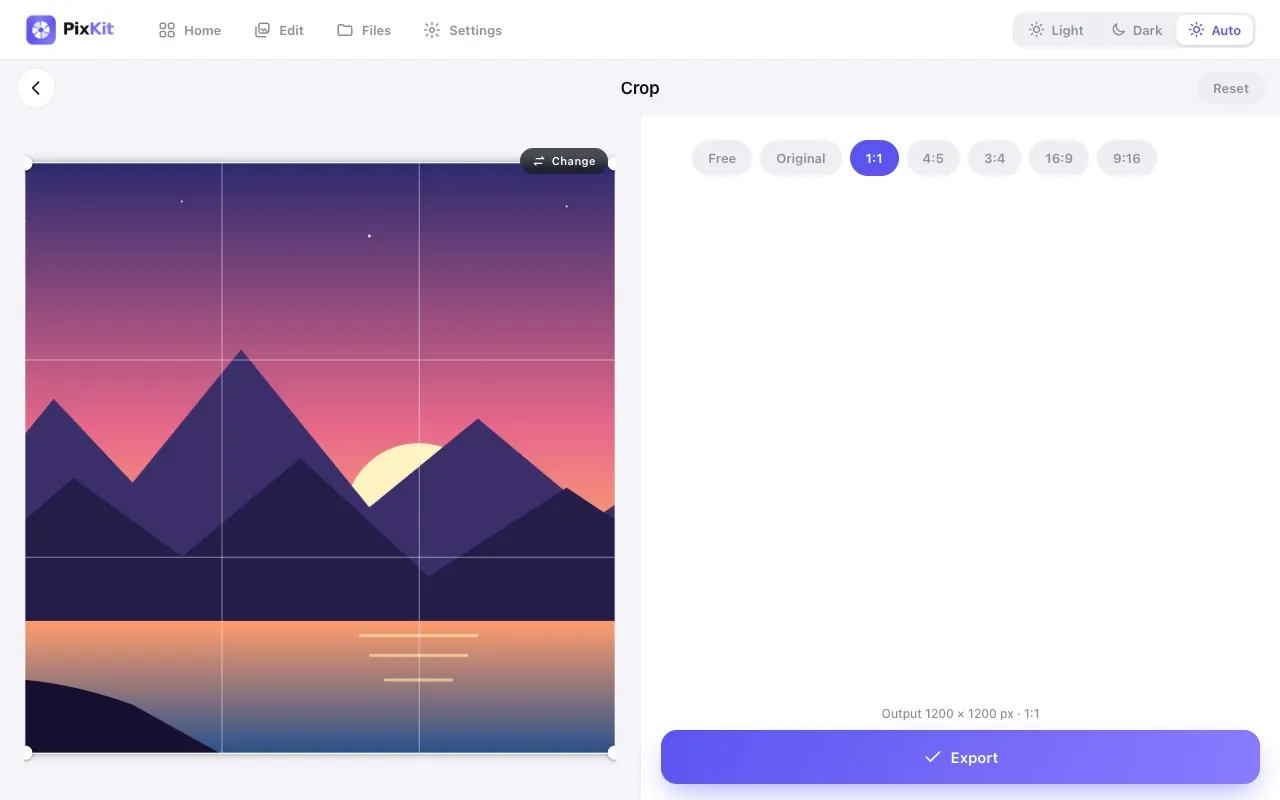
Crop ImageCut away the parts of a photo you do not need, or crop to an exact aspect ratio for profile pictures, thumbnails and social posts.
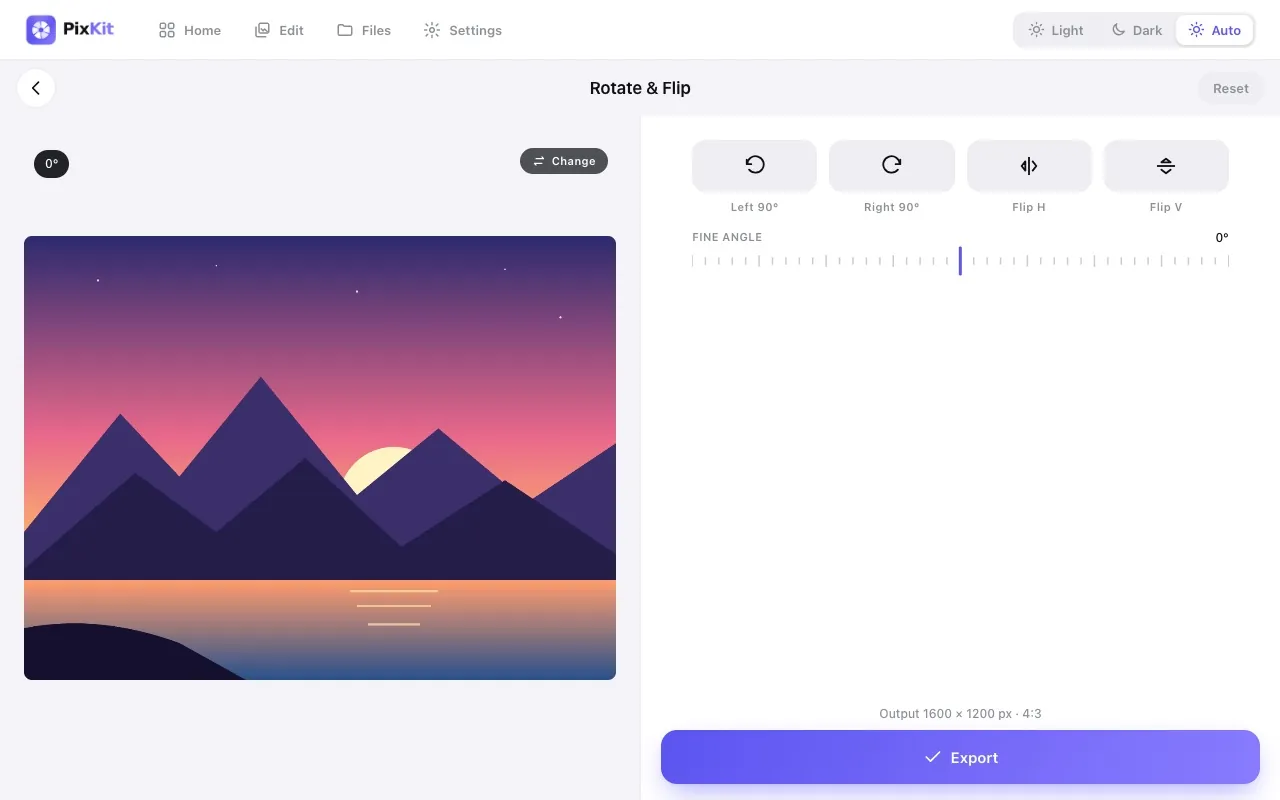
Rotate & Flip ImageFix sideways photos, mirror an image, or straighten a crooked horizon by a few degrees — without installing anything.
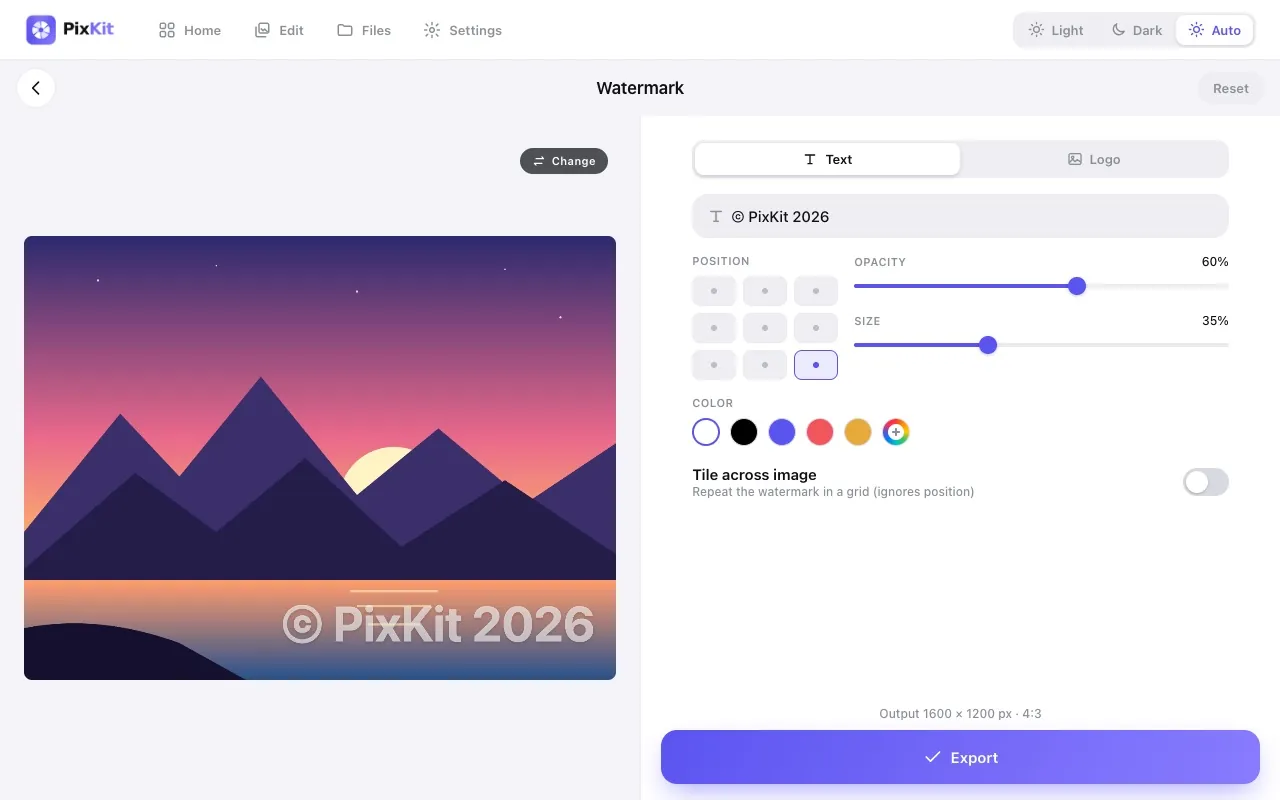
Add WatermarkStamp your name, brand or logo on photos to discourage unauthorised reuse and make sure you get credit.