 PixKit
Photo size guides
Need a photo under a certain file size, or in an exact shape like 35 × 45 mm? Each guide explains the target, then opens PixKit with the right settings already applied.
By file size
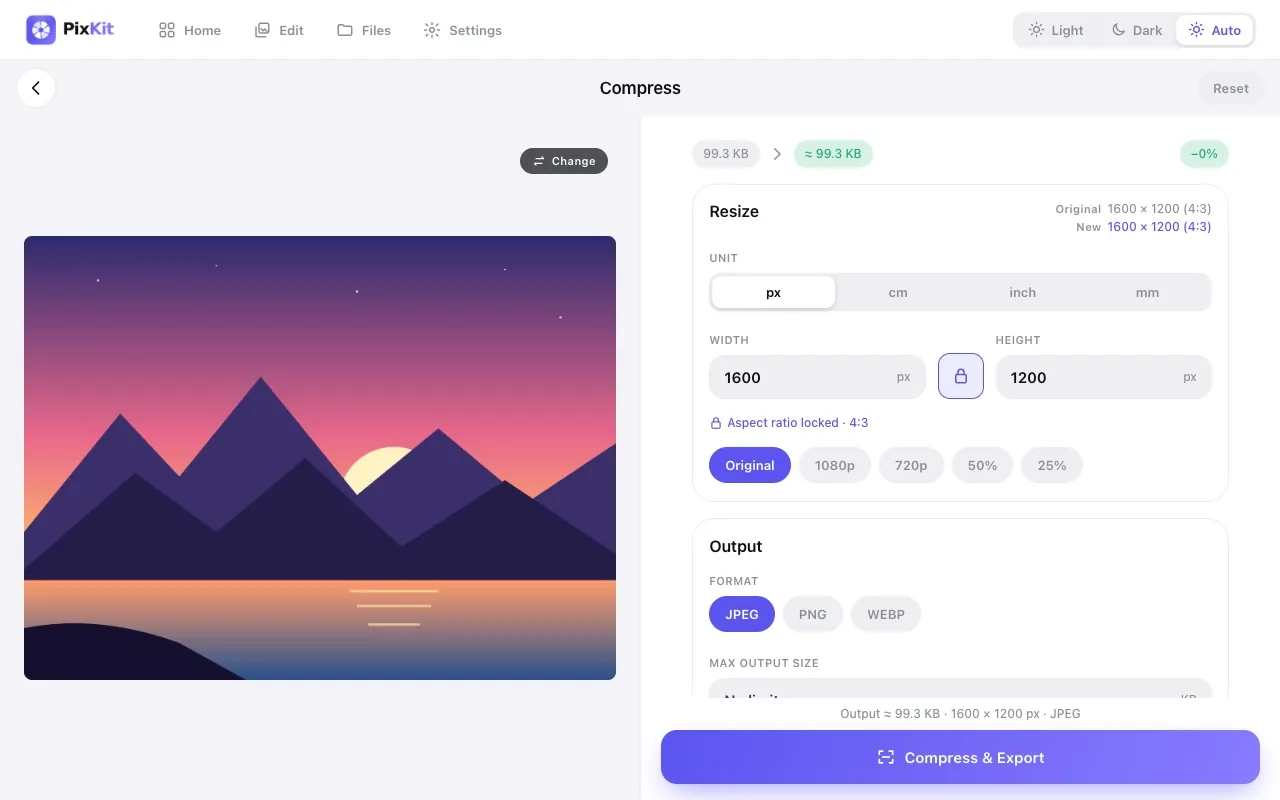
File size · 20 KB
How to Reduce a Photo to 20 KBShrink any photo or signature to under 20 KB as a JPG, right in your browser. Step-by-step, with the pixel sizes that usually fit and a one-click preset link.File size · 50 KB
How to Reduce a Photo to 50 KBGet a photo under 50 KB as a JPG without uploading it. See the pixel size that works, how to avoid blur, and use a preset link to do it in seconds.File size · 100 KB
How to Compress an Image to 100 KBMake a photo or scan under 100 KB as JPG, PNG or WebP without uploading it. Learn the pixel sizes that fit and avoid common quality mistakes.File size · 200 KB
How to Reduce an Image to 200 KBGet any photo under 200 KB without losing sharpness. Pixel sizes, format advice and a one-click preset that does the resizing and compression for you.File size · 1 MB
How to Compress an Image to Under 1 MBMake a large photo under 1 MB for email, forms or websites while keeping it sharp. Choose JPG or WebP and let PixKit find the best quality that fits.By photo shape
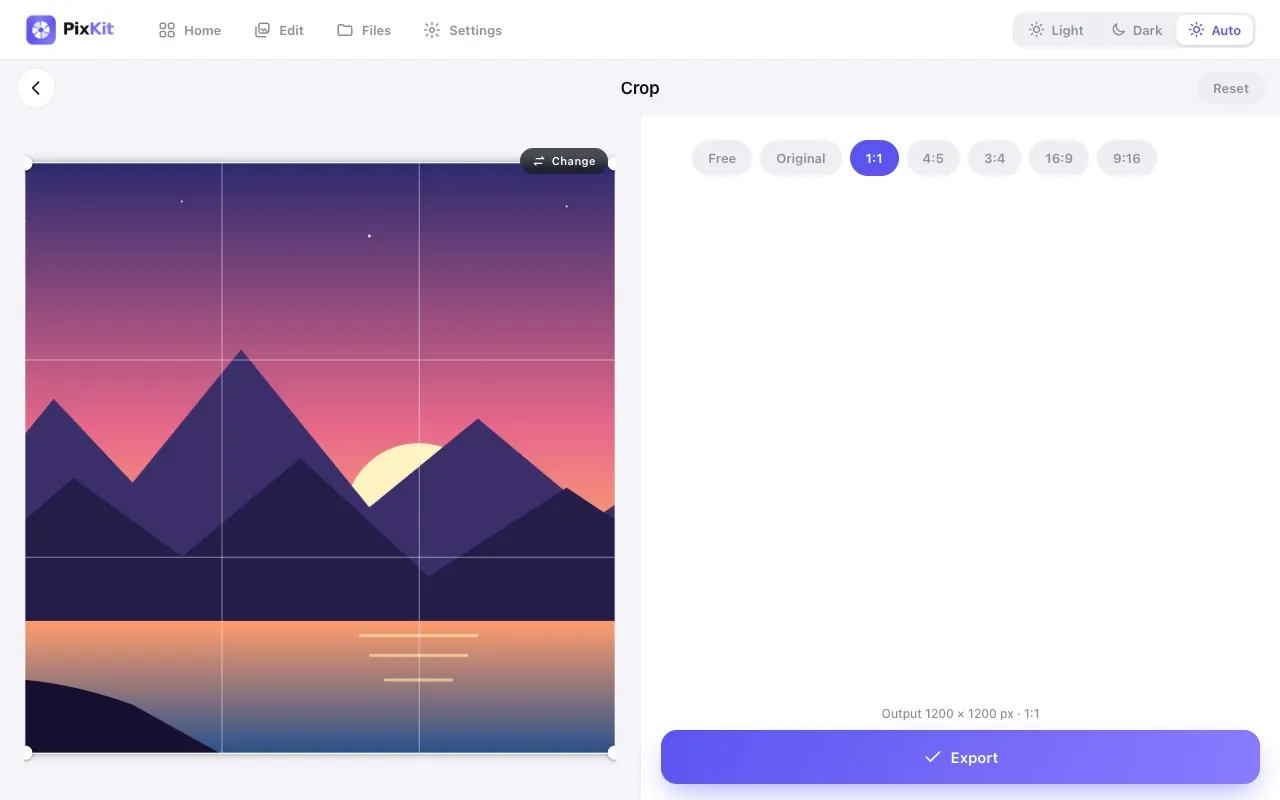
Photo shape · 35 × 45 mm
How to Make a 35 × 45 mm Passport PhotoCrop any photo to exactly 35 × 45 mm at 300 dpi for passport and visa applications. See the pixel size and open a ready-made preset in your browser.Photo shape · 3.5 × 4.5 cm
How to Resize a Photo to 3.5 × 4.5 cmCrop and resize a photo to 3.5 × 4.5 cm with the right pixel size and dpi, plus an optional KB limit. Free, private and done in your browser.Photo shape · 2 × 2 inch
How to Make a 2 × 2 Inch Passport PhotoCrop a photo to a 2 × 2 inch square at 300 dpi (600 × 600 px) for passport and visa applications. Free, private and ready-made preset included.Photo shape · 4 × 2 cm signature
How to Prepare a Signature Photo (4 × 2 cm, Under 20 KB)Photograph, crop and shrink your signature to 4 × 2 cm and under 20 KB as a clean JPG. Step-by-step tips and a one-click preset, all in your browser.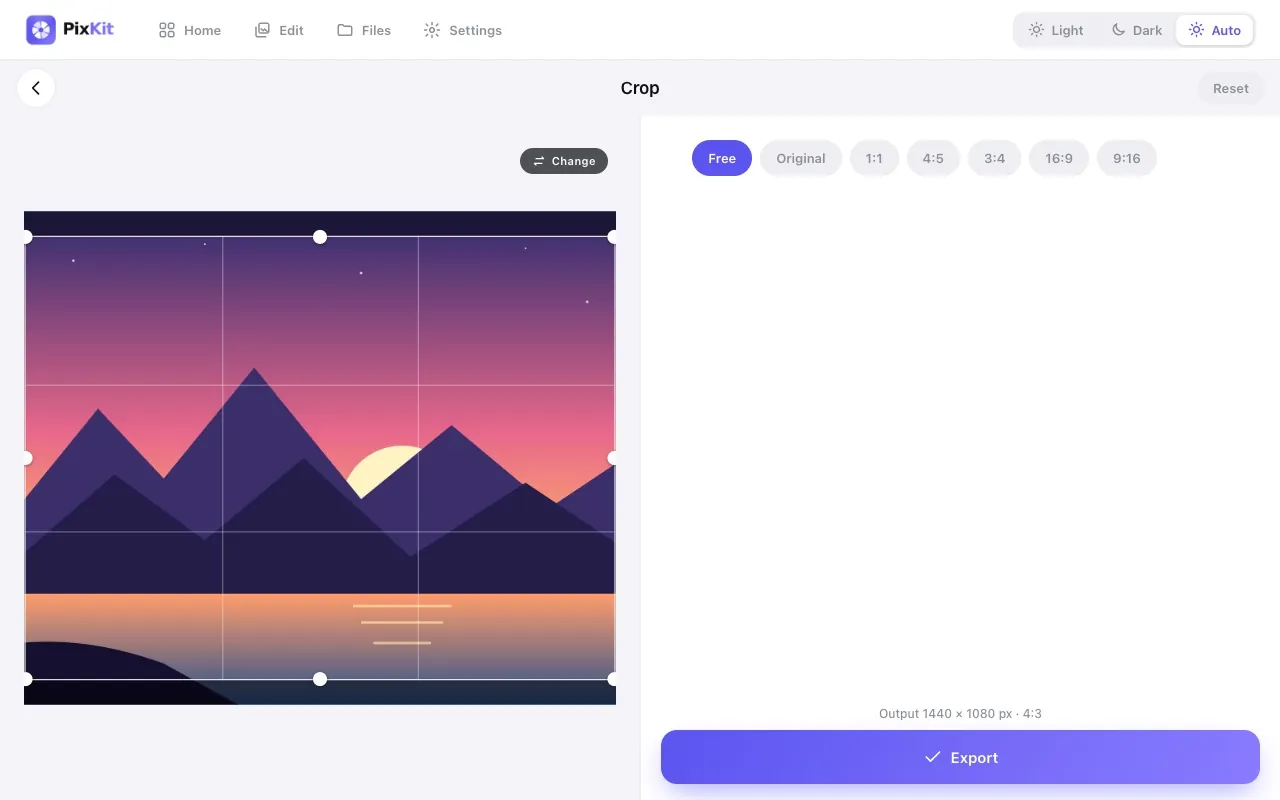
Photo shape · 1080 × 1350
Instagram Post Sizes: How to Crop to 1080 × 1350 (and Others)Crop photos to Instagram’s portrait (1080 × 1350), square (1080 × 1080) and story (1080 × 1920) sizes in your browser, with one-click presets.These guides explain common sizes. Official requirements vary and change — always follow the notice on the portal you are submitting to. See also our guide to photo and signature sizes for online forms.