PixKit
 › Photo size guides › 50 KB
How to Reduce a Photo to 50 KB
Get a photo under 50 KB as a JPG without uploading it. See the pixel size that works, how to avoid blur, and use a preset link to do it in seconds.
Open PixKit with these settingsAbout the Compress Image tool
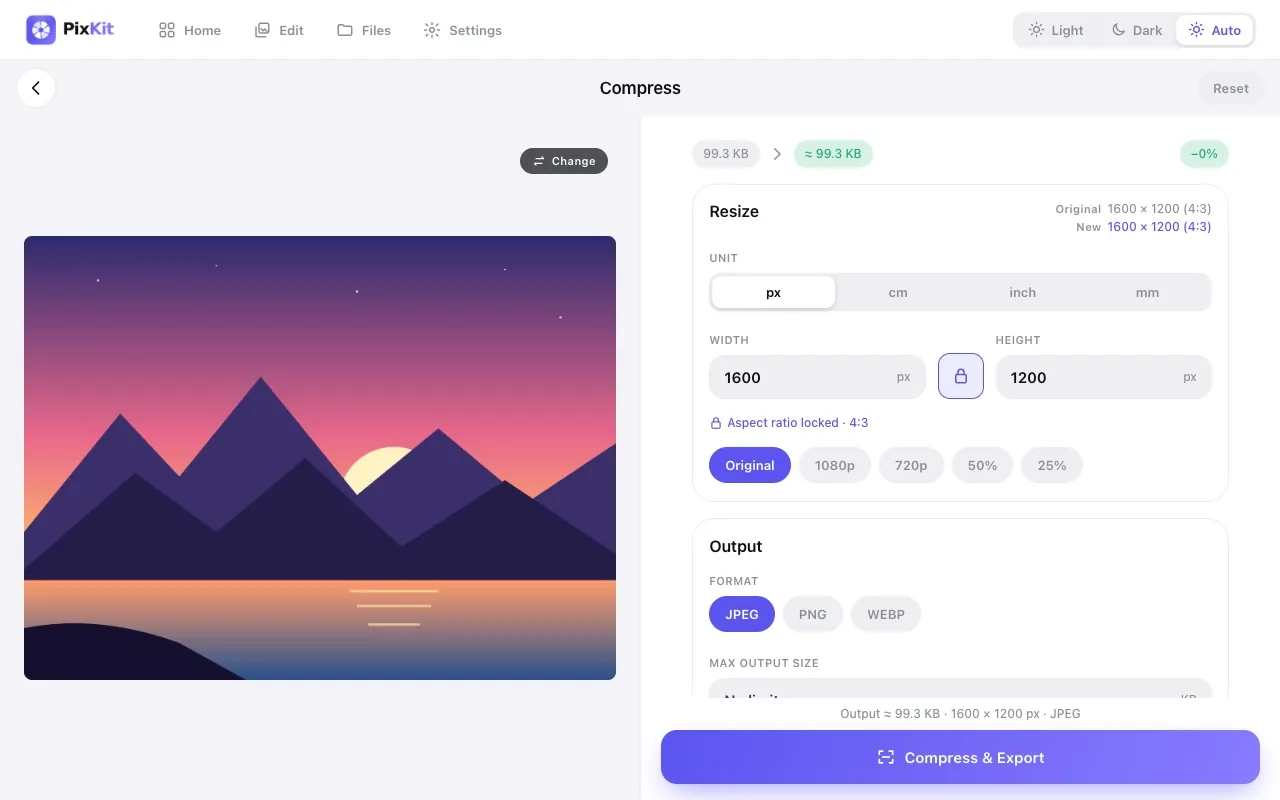
The target at a glance
| Target | Under 50 KB |
|---|---|
| Format | JPG (PNG or WebP optional) |
| Typical pixel size | 450 × 600 px or smaller |
| Upload to a server | Never — runs on your device |
When you need this
50 KB is one of the most common upload limits for passport-style photographs on application forms. It is small enough to load quickly on a slow connection but big enough to keep a face clear — if you prepare the image properly.
This page shows the shortest path: set the limit once, let PixKit search for the best quality that fits, and check the preview before you save.
- Passport-style photographs on application and registration forms
- ID-card and student-card uploads
- Profile photos for government or institutional portals
- Email attachments to systems with tight limits
Step by step
- Click Open PixKit with these settings. The tool opens with the size limit already set. Or copy this link:
https://www.pixkit.in/compress?max=50kb&format=jpg - Choose your photo. It stays on your device and is never uploaded.
- Check the preview. If faces or text look soft, crop empty areas or reduce the pixel size a little rather than lowering quality.
- Press Compress & Export, then Download. The result screen shows the final size and dimensions so you can confirm it.
Other versions of this link
| Variant | Open |
|---|---|
| With a 20 KB minimum | Openhttps://www.pixkit.in/compress?min=20kb&max=50kb&format=jpg |
| Square, 400 × 400 px | Openhttps://www.pixkit.in/crop?w=400&h=400&max=50kb&format=jpg |
You can edit the link to fit any requirement: change max and min (file size), w and h (size), dpi, format (jpg, png, webp) and bg (background colour).
Why uploads get rejected
- Compressing the original 4000-pixel photo directly gives a smeared result; resize to a few hundred pixels first.
- A dark or textured background eats the budget — use a plain, light background.
- Re-compressing an already compressed copy compounds the damage. Always start from the original.
- Some portals also check a minimum size or exact pixel dimensions; read the notice carefully.
Tips for a clean result
- Look straight at the camera in even daylight; shadows turn into blocky patches when compressed hard.
- Crop to the head and shoulders so the pixels are spent on the face.
- If you must hit an exact shape as well, use the crop preset below, which sets both together.
- Check the preview at 100% zoom: eyes and text should be sharp.
Always check the official notice. Requirements differ between portals and change over time. PixKit gives you the exact size and format you ask for, but cannot guarantee that a particular portal or authority will accept the file.
Frequently asked questions
How many pixels can a 50 KB photo be?
Roughly 450 × 600 px for a typical portrait at good JPEG quality. Busy images need fewer pixels.
Can I also set a minimum size?
Yes. Add &min=20kb to the link. For JPEG, PixKit pads the file with an invisible comment to reach the minimum without changing a pixel.
PNG or JPG?
JPG. A photograph saved as PNG will almost never fit in 50 KB.
Your photo stays private
PixKit does the cropping, resizing and compressing inside your browser. Nothing is uploaded, and there is no account. See the Privacy Policy.
Related guides
- How to reduce image size without losing quality
- Photo and signature size requirements for online forms
More size guides