 PixKit
 Blog
Tips, explainers and behind-the-scenes notes on working with photos and PDFs.
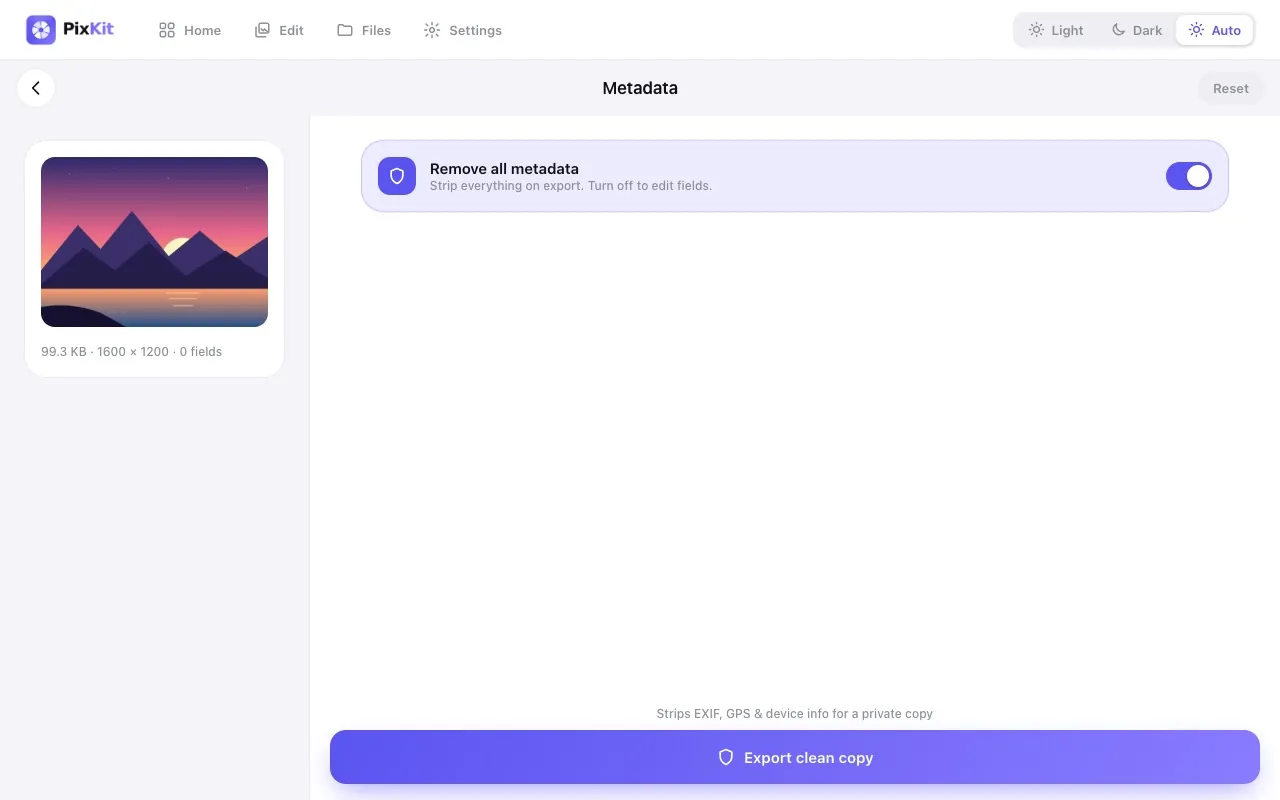
Privacy · 19 October 2026
What Your Photos Reveal About You (and How to Stay Private)Metadata, reflections and backgrounds can leak your location, routine and identity. Here is what to check before posting.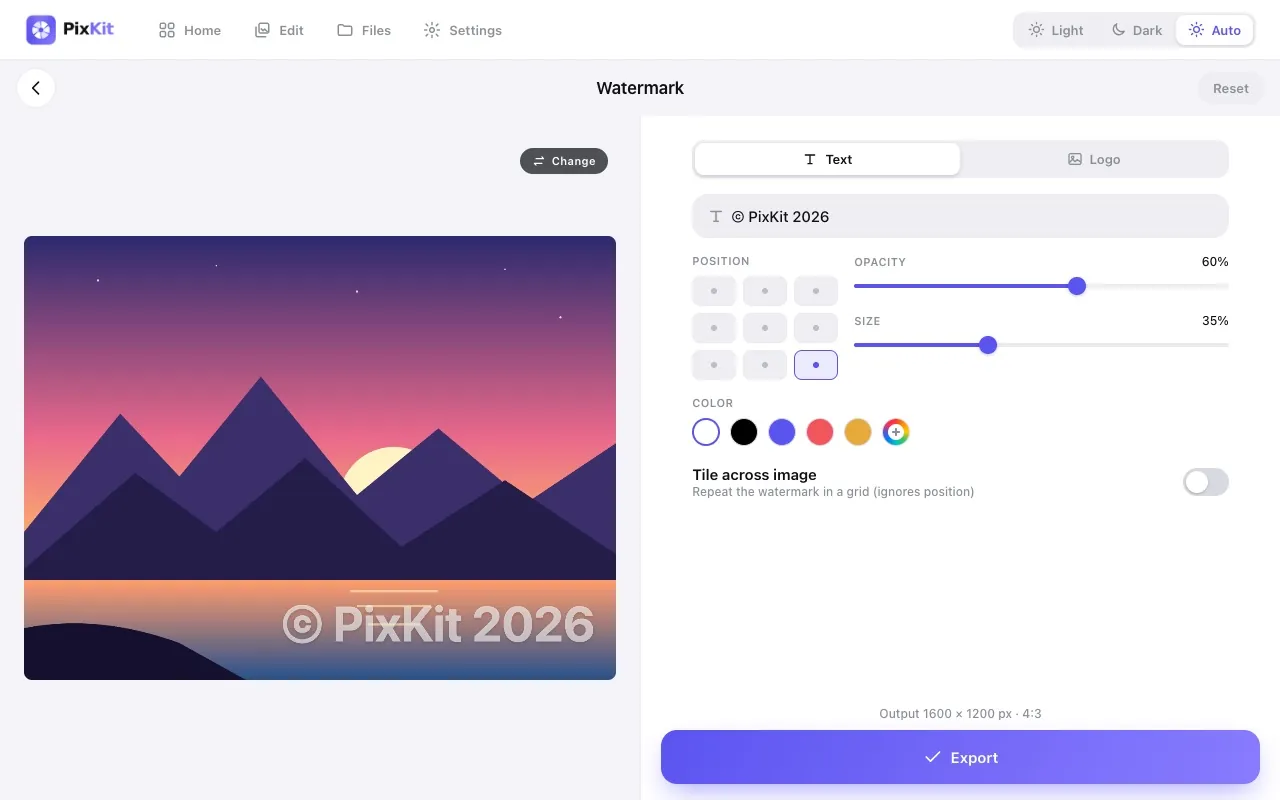
Tips · 17 October 2026
Protect Your Photos with Watermarks: A Beginner’s GuideLearn how to design a watermark that discourages theft without ruining the picture, including size, opacity and placement.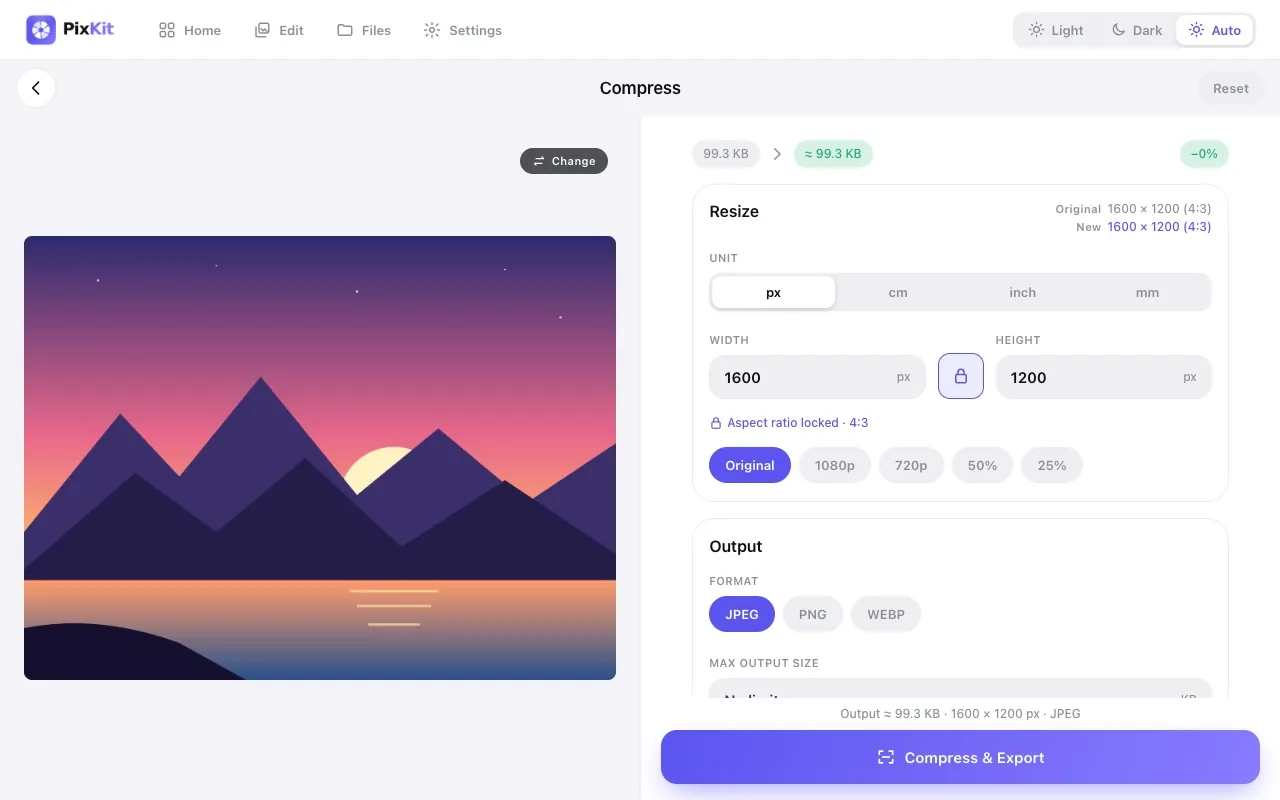
Photography · 14 October 2026
How to Take Photos That Compress WellGreat compression starts at the camera. Learn lighting, background and framing habits that make photos look sharp at small file sizes.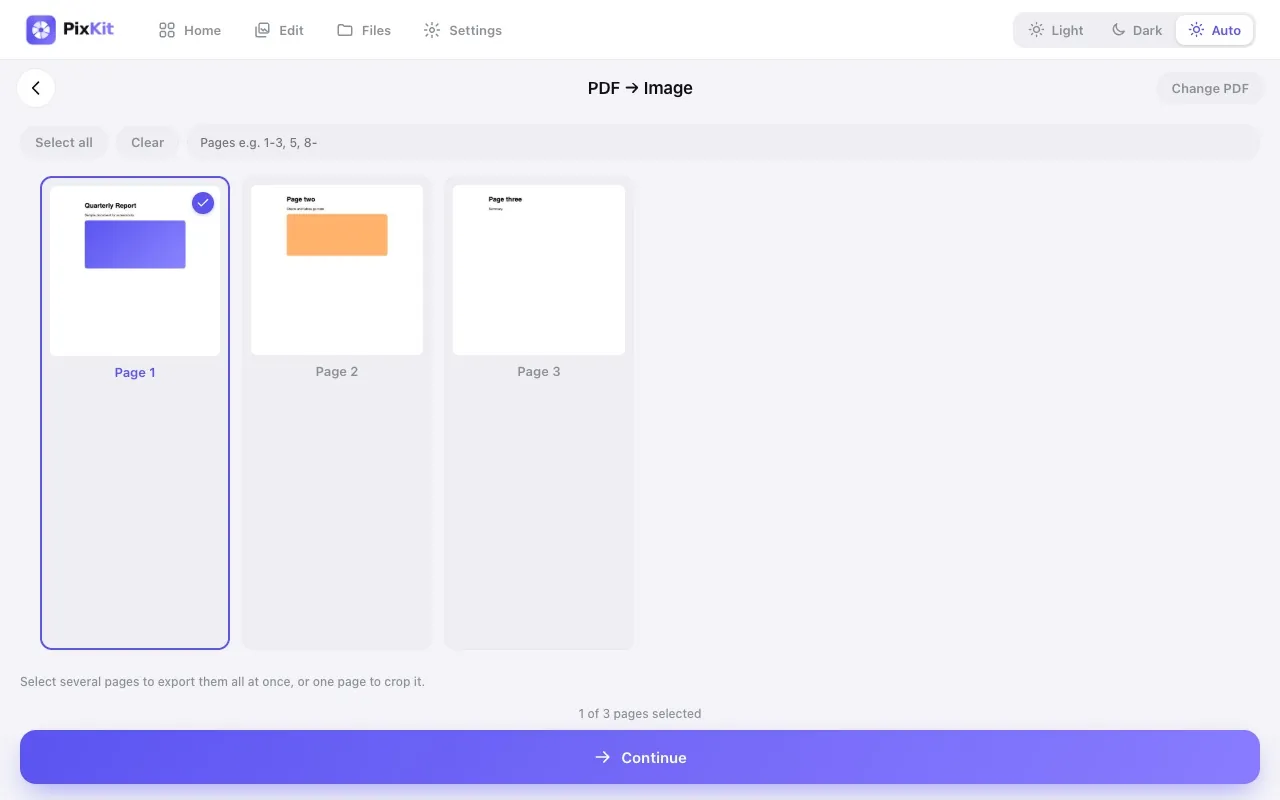
Explainers · 11 October 2026
PDF vs Image: When to Send WhichShould you send a document as a PDF or as a picture? A simple guide to choosing the right one for forms, chats and printing.Tips · 8 October 2026
5 Mistakes People Make When Compressing PhotosAvoid blurry results and rejected uploads: the most common photo compression mistakes and what to do instead.
Product · 5 October 2026
Why We Built PixKit: Photo Tools That Never Upload Your FilesThe story behind PixKit and why processing photos and PDFs on your own device is better for privacy and speed.Looking for step-by-step instructions with screenshots? See the guides. Subscribe via RSS.