PixKit
What Your Photos Reveal About You (and How to Stay Private)
Metadata, reflections and backgrounds can leak your location, routine and identity. Here is what to check before posting.
Hidden data in the file
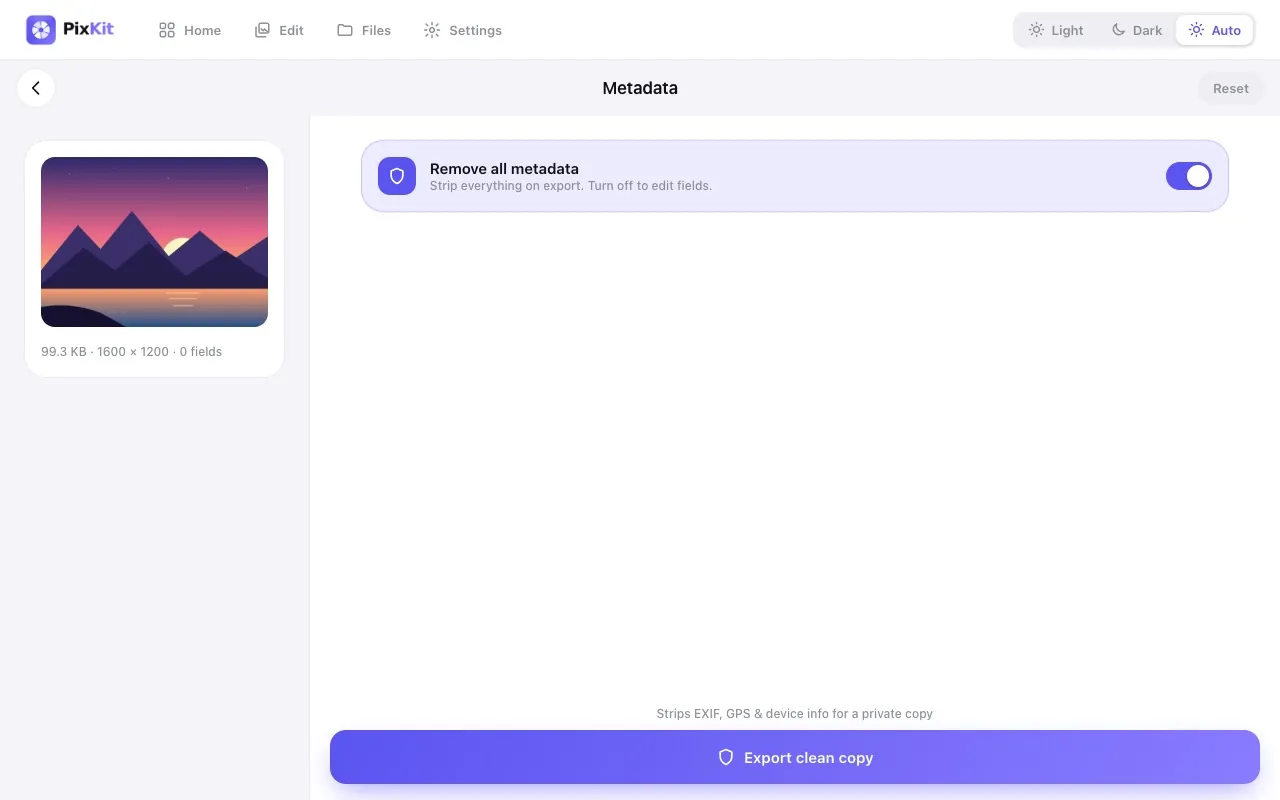
Photos can store GPS coordinates, the time they were taken, your phone model and sometimes your name in the copyright field. Share the original file and anyone can read it. Remove metadata before posting publicly.
Clues inside the picture
Street signs, house numbers, school uniforms, car number plates, boarding passes and even reflections in windows or glasses can show where you are. Crop or blur anything that identifies a place or person you want to protect.
Timing matters
Posting live from a holiday tells strangers your home is empty. Post later, and avoid showing tickets and itineraries.
A simple pre-share checklist
- Strip location and other metadata
- Crop out signs, plates and documents
- Check the background and reflections
- Prefer sending compressed copies instead of originals
Use tools that do not upload
Editing sensitive photos on a website that uploads them adds a new risk. Browser-based tools like PixKit process the picture on your device, so you remove the risk instead of moving it.
Try Image Metadata (EXIF) Editor freeStep-by-step guides
Keep reading