PixKit
PDF vs Image: When to Send Which
Should you send a document as a PDF or as a picture? A simple guide to choosing the right one for forms, chats and printing.
What each one is good at
A PDF is a container designed to look the same everywhere. It can hold many pages, selectable text, links and vector graphics. An image is a grid of pixels: simple, small and instantly viewable on any device.
Use a PDF when…
- The document has several pages
- The recipient may print it
- Text must stay selectable or searchable
- A form or employer asks for PDF
Use an image when…
- You are sharing in a chat app or social post
- You need a single page or part of a page
- The upload field accepts JPG/PNG only
- You want to annotate or crop it quickly
Converting safely
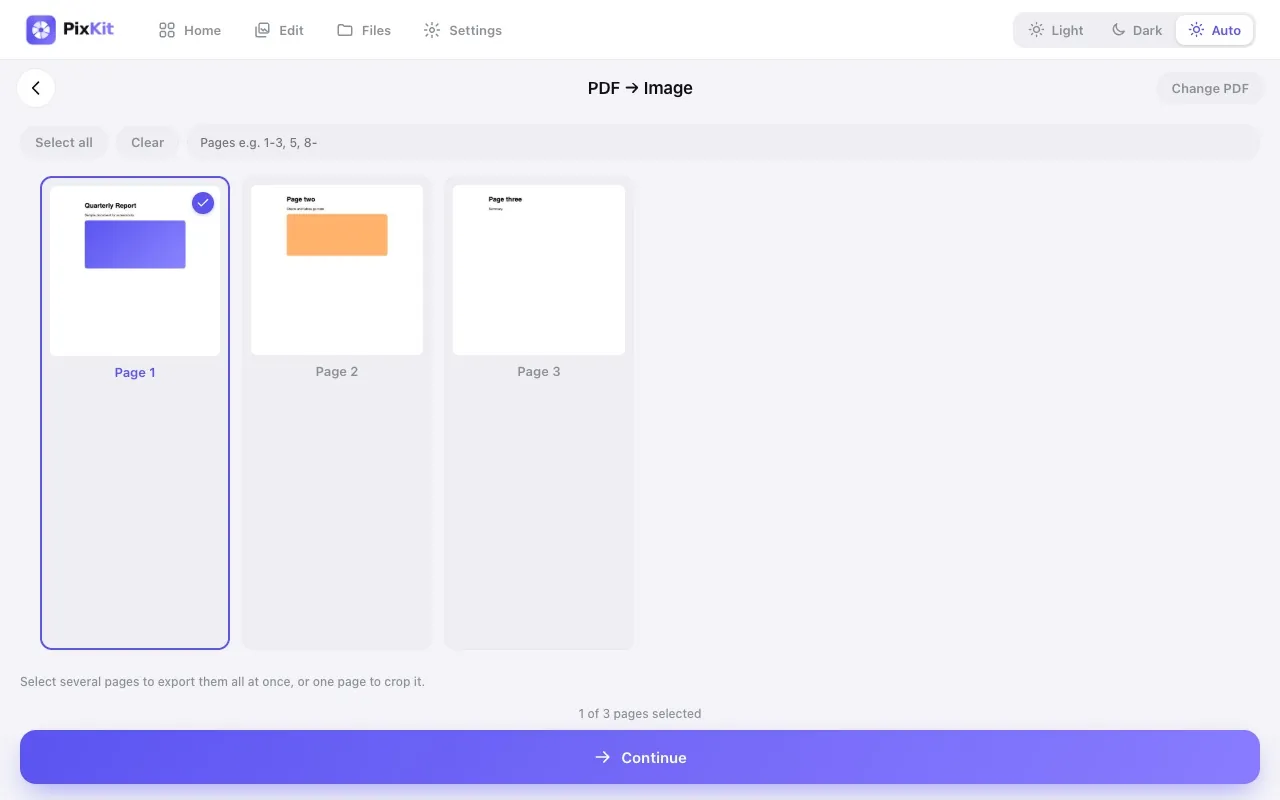
You can turn each PDF page into an image, or one image into a PDF page, without installing software. Be careful with converters that upload your file: documents often hold IDs, addresses and signatures. Browser-based tools process them locally.
Quality tips
When converting a PDF page to an image use PNG for text and diagrams, and pick a resolution high enough to read small print (about 2000–2500 px on the long edge). When converting an image to a PDF, choose the page size your recipient expects, such as A4 or Letter.
Try PDF to Image freeStep-by-step guides
Keep reading