PixKit
Why We Built PixKit: Photo Tools That Never Upload Your Files
The story behind PixKit and why processing photos and PDFs on your own device is better for privacy and speed.
The problem with “free online tools”
Search for “compress image” and you will find dozens of websites that ask you to upload your photo, wait while a server processes it, then download the result. For a holiday snapshot that may not matter. For a passport scan, a signed contract or a medical report, it should.
Once a file leaves your device you no longer control it. You are trusting a stranger’s server, retention policy and security.
Browsers got powerful
Modern browsers can decode images, draw them to a canvas, re-encode them as JPEG, PNG or WebP, and render PDF pages with open-source libraries. Everything a simple photo tool needs can happen locally. The only reason to upload is habit.
PixKit is built on that idea: open a file, the work happens in your browser tab, and you save the result. No account, no queue, no server copy.
Speed is a bonus
Without an upload and download, even a 12 MB photo is processed in a second or two. On a slow mobile connection the difference is dramatic: the tool works as fast as your phone, not your network.
What PixKit does today
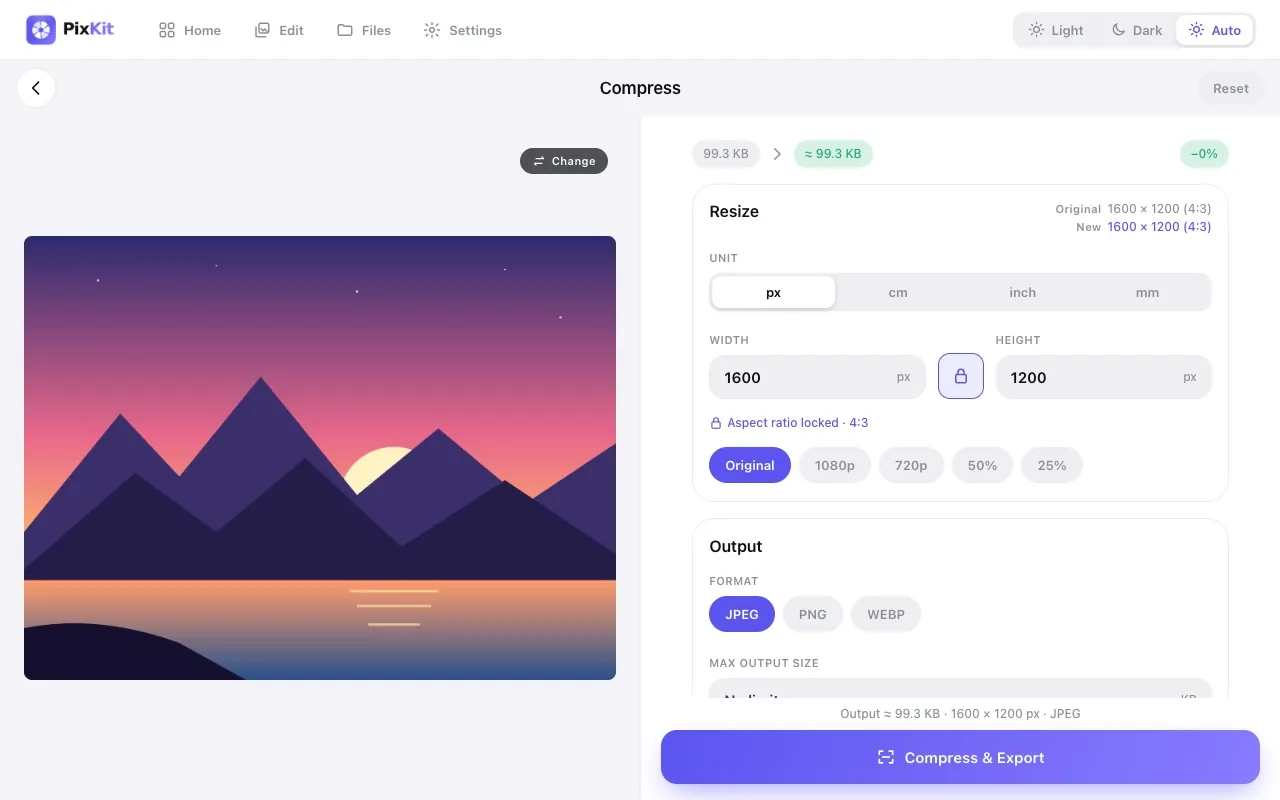
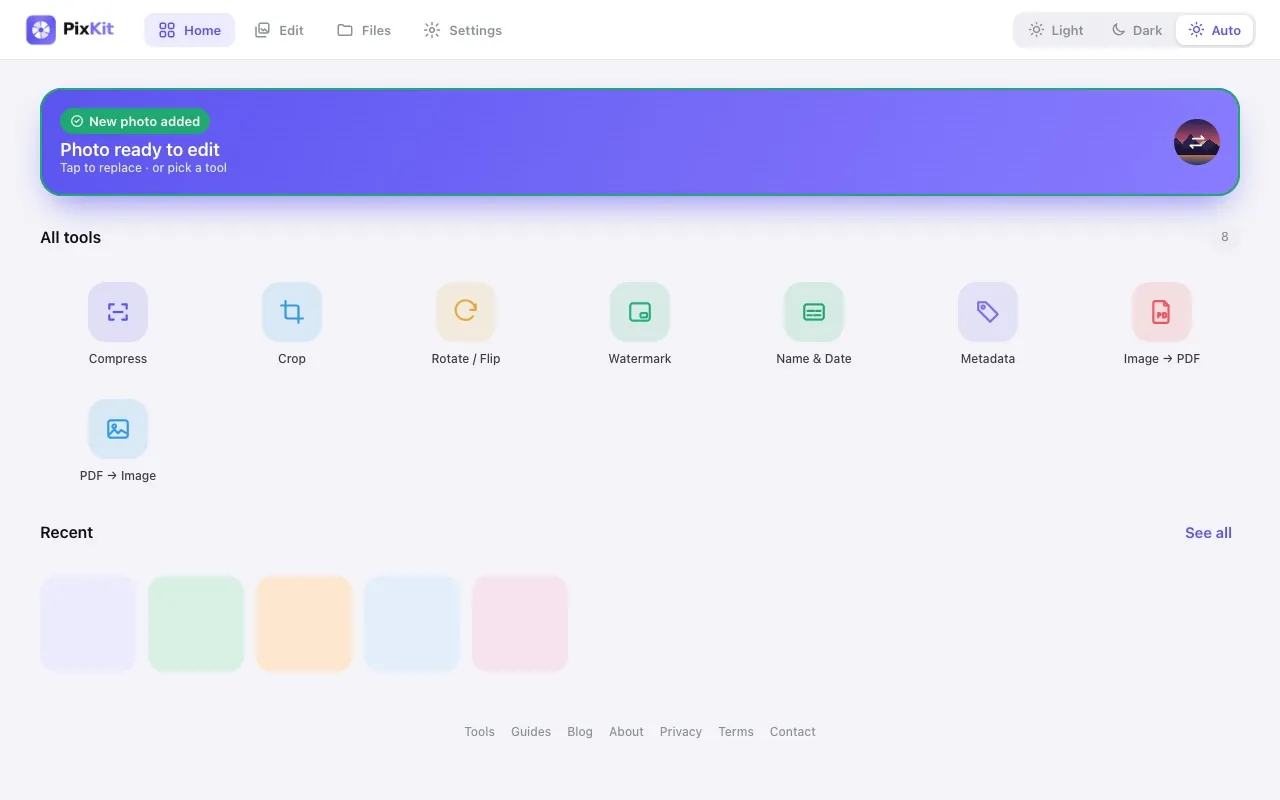
- Compress to a target file size, resize and convert formats
- Crop, rotate, flip and straighten
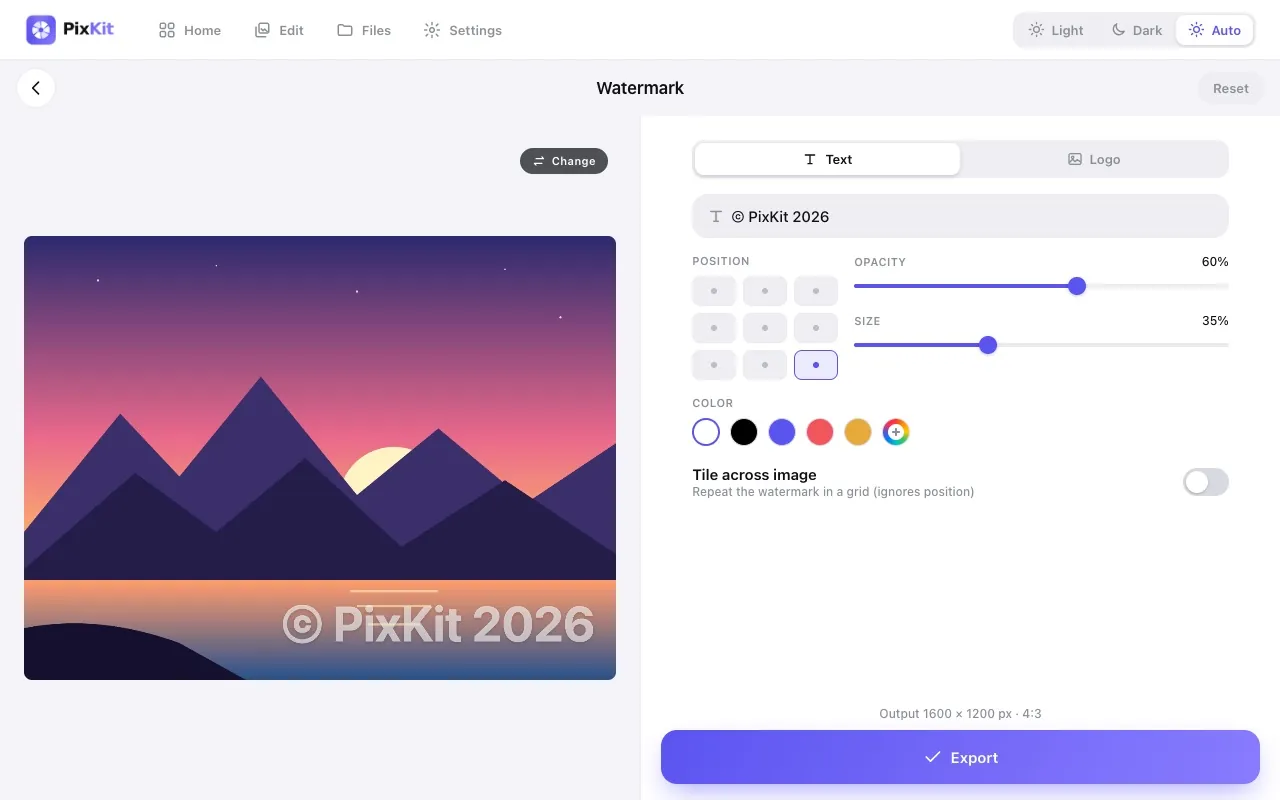
- Add watermarks and name/date captions
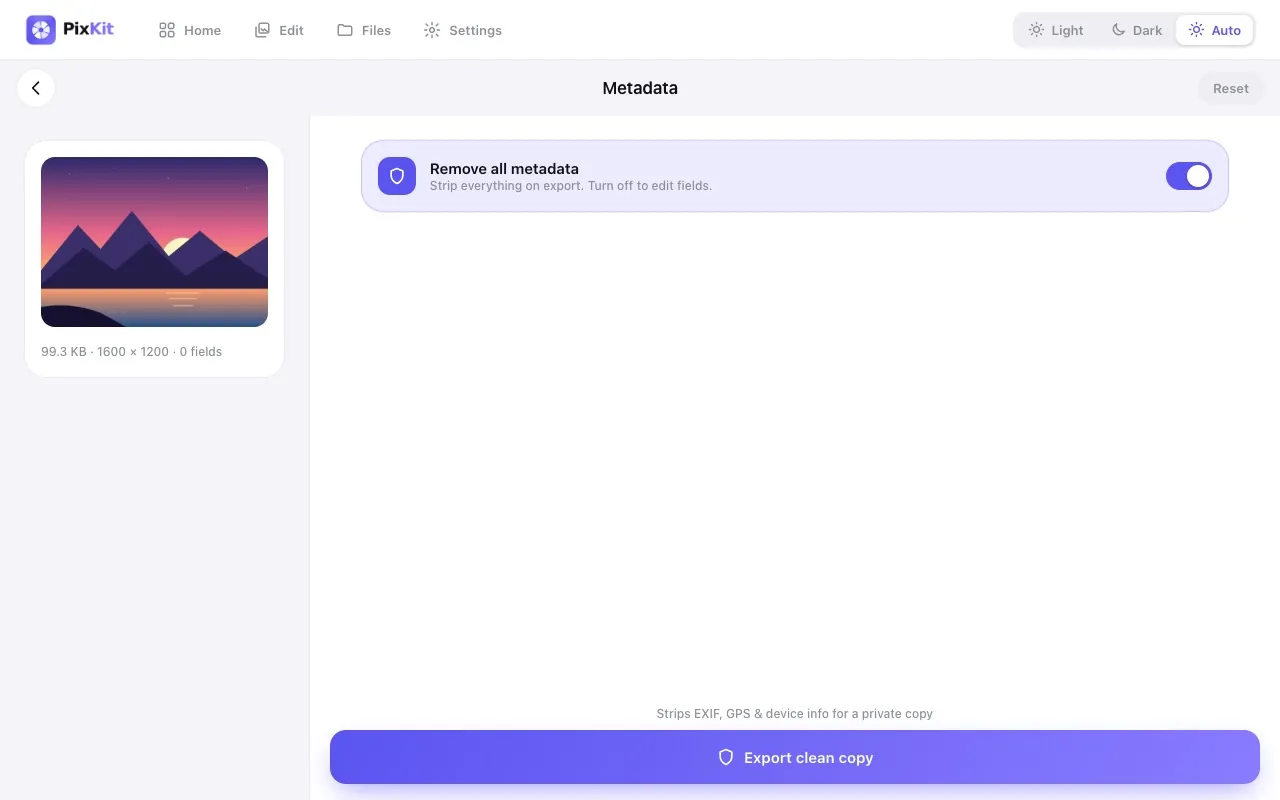
- View, edit and strip metadata such as GPS
- Convert images to PDF and PDF pages to images, including many pages at once
What comes next
We are focused on making each tool simple and reliable before adding more. Ideas on the list include batch processing for images and a side-by-side before/after view. If you have a request, use the contact page.
Try Compress Image freeStep-by-step guides
Keep reading