PixKit
 › Photo size guides › 1 MB
How to Compress an Image to Under 1 MB
Make a large photo under 1 MB for email, forms or websites while keeping it sharp. Choose JPG or WebP and let PixKit find the best quality that fits.
Open PixKit with these settingsAbout the Compress Image tool
The target at a glance
| Target | Under 1 MB |
|---|---|
| Format | JPG (PNG or WebP optional) |
| Typical pixel size | 2000 × 1500 px or smaller |
| Upload to a server | Never — runs on your device |
When you need this
Under 1 MB is the limit for many email gateways, CMS uploads and application forms. A modern phone photo is 3–12 MB, so you need a gentle reduction — usually without any visible loss.
Because the target is generous, the best approach is to keep the full picture, reduce the resolution only if needed, and let the compressor choose a high quality setting.
- Email attachments and web-form uploads capped at 1 MB
- Images for blogs and online shops
- Scans of documents with mixed text and photos
- Sharing photos on slow mobile connections
Step by step
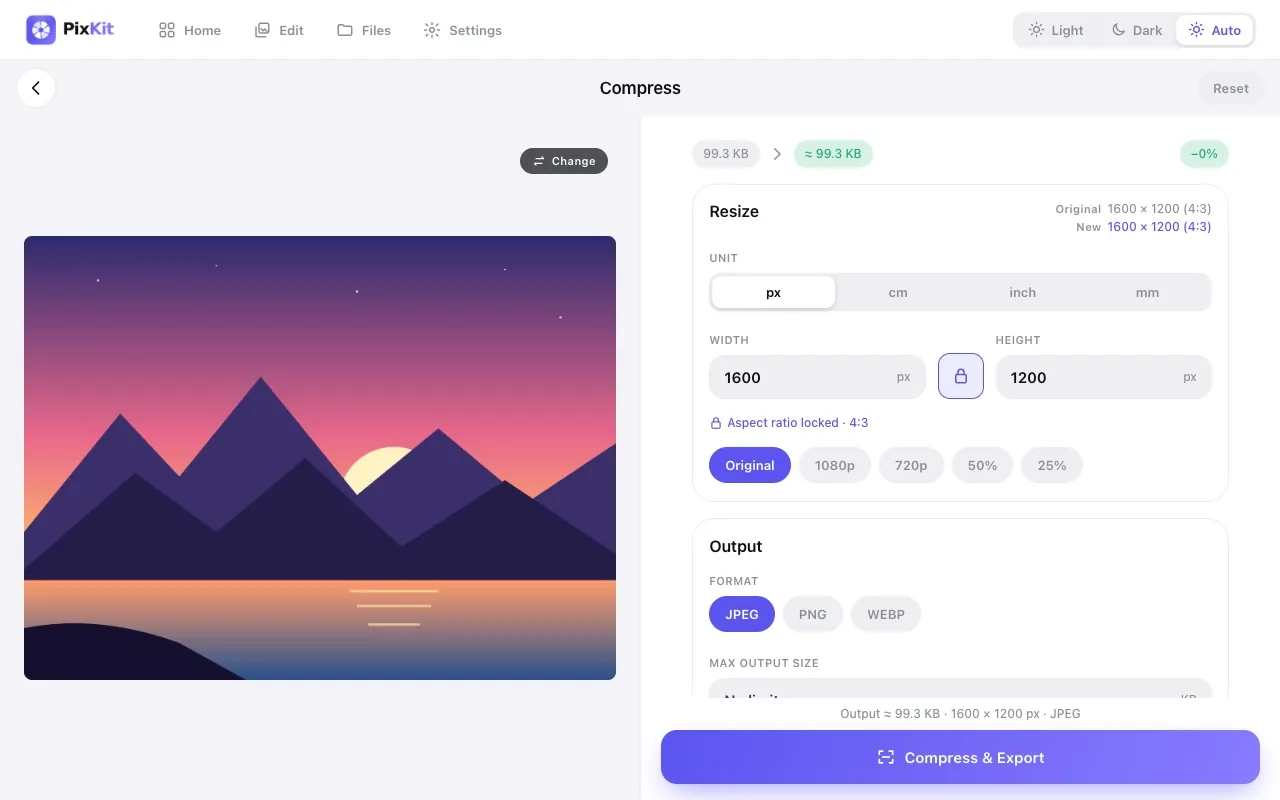
- Click Open PixKit with these settings. The tool opens with the size limit already set. Or copy this link:
https://www.pixkit.in/compress?max=1mb&format=jpg - Choose your photo. It stays on your device and is never uploaded.
- Check the preview. If faces or text look soft, crop empty areas or reduce the pixel size a little rather than lowering quality.
- Press Compress & Export, then Download. The result screen shows the final size and dimensions so you can confirm it.
Other versions of this link
| Variant | Open |
|---|---|
| Resize to 2000 px wide | Openhttps://www.pixkit.in/compress?w=2000&max=1mb&format=jpg |
| WebP output | Openhttps://www.pixkit.in/compress?max=1mb&format=webp |
You can edit the link to fit any requirement: change max and min (file size), w and h (size), dpi, format (jpg, png, webp) and bg (background colour).
Why uploads get rejected
- The photo is a 12-megapixel original with high-quality settings.
- It was exported as PNG, which is lossless and large for photographs.
- A burst of images attached together adds up past the total limit.
- Embedded metadata and thumbnails add weight.
Tips for a clean result
- A 2000 px long edge is sharp on almost any screen.
- Choose JPG for the widest compatibility and WebP for the smallest files.
- For several images, compress each one rather than zipping them — zip barely shrinks JPEGs.
- Keep the original as your master copy.
Always check the official notice. Requirements differ between portals and change over time. PixKit gives you the exact size and format you ask for, but cannot guarantee that a particular portal or authority will accept the file.
Frequently asked questions
Will 1 MB look good?
Yes. A 2000 px photo at JPEG quality 80–85 is typically well under 1 MB and visually identical at normal viewing size.
Can I compress many photos at once?
PixKit works on one image at a time; repeat for each file.
Which format is best?
JPG for photos and compatibility, PNG only for graphics with transparency, WebP for the smallest size where accepted.
Your photo stays private
PixKit does the cropping, resizing and compressing inside your browser. Nothing is uploaded, and there is no account. See the Privacy Policy.
Related guides
- How to reduce image size without losing quality
- Photo and signature size requirements for online forms
More size guides