PixKit
 › Tools › Image Metadata (EXIF) Editor
Image Metadata (EXIF) Editor — free, private, in your browser
Photos quietly carry hidden details: the camera model, the date and time, and often the exact GPS location. See them and change or remove them before you share.
Open Image Metadata (EXIF) EditorSee how it works
Why use it
EXIF metadata is helpful for organising photos but can leak where you live or work. Removing location data before posting a photo online is a simple privacy habit.
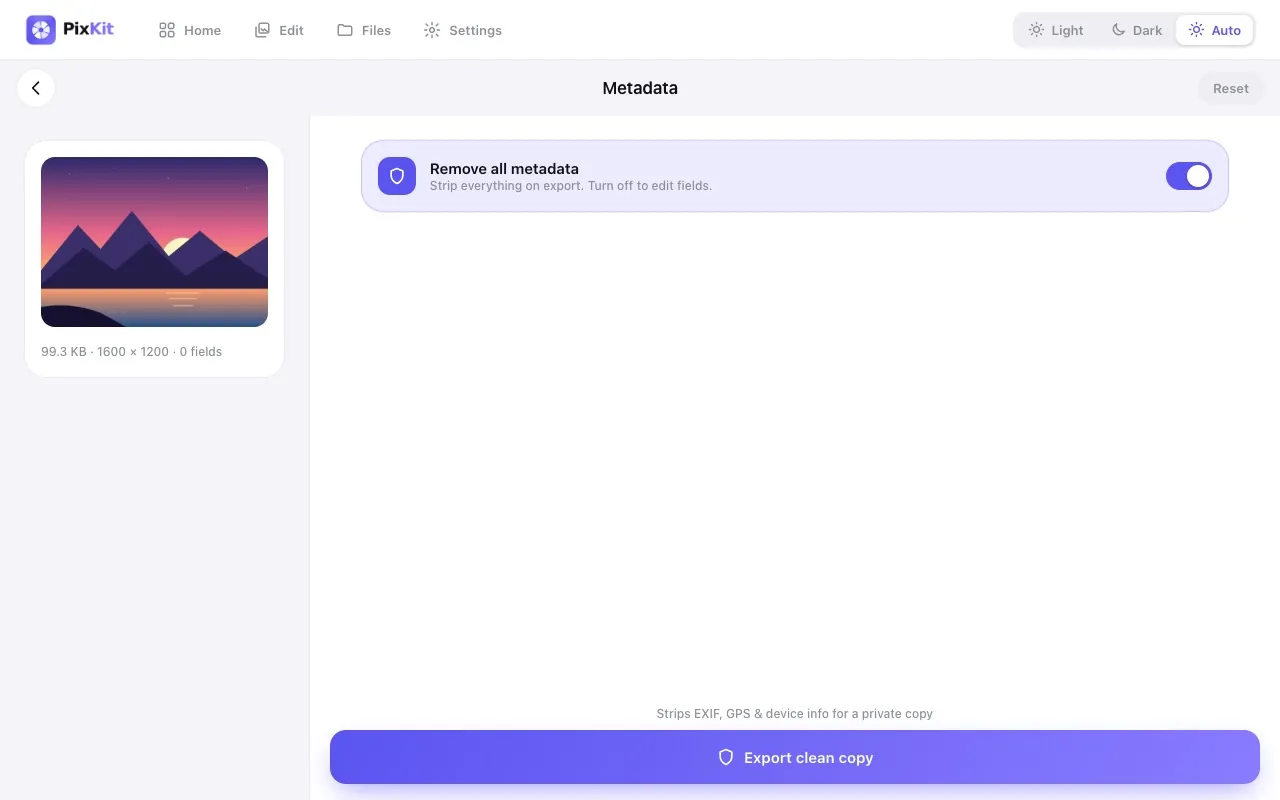
PixKit reads the metadata locally, lets you edit fields such as date, description and copyright, and can strip sensitive tags on export.
| Opens | JPEG (EXIF read/write) |
|---|---|
| Saves as | JPEG |
| Upload to a server | Never — everything runs on your device |
| Account needed | No |
| Cost | Free |
How to use Image Metadata (EXIF) Editor
- Open the Metadata tool and choose a JPEG photo.
- Review camera, date and location fields.
- Edit values or remove location and other tags.
- Export a clean copy.
Tips for best results
- Strip GPS data before posting photos taken at home.
- Social platforms often remove EXIF themselves, but email, chat attachments and websites usually do not.
Your files stay private
PixKit does all of its image and PDF work locally in your browser using the browser’s Canvas API and open-source JavaScript libraries.
Read the Privacy Policy for the full details.
Frequently asked questions
Which formats carry EXIF?
JPEG is the most common. PNG and WebP carry far less metadata.
Is the metadata sent to you?
No. It is read and edited on your device only.
Related guides
More PixKit tools